




The Best AI Voice Agents for Ophthalmology Practices in 2026
The 7 best AI voice agents for ophthalmology practices. Find platforms with ModMed & Nextech integrations, prior auth support, and patient automation.
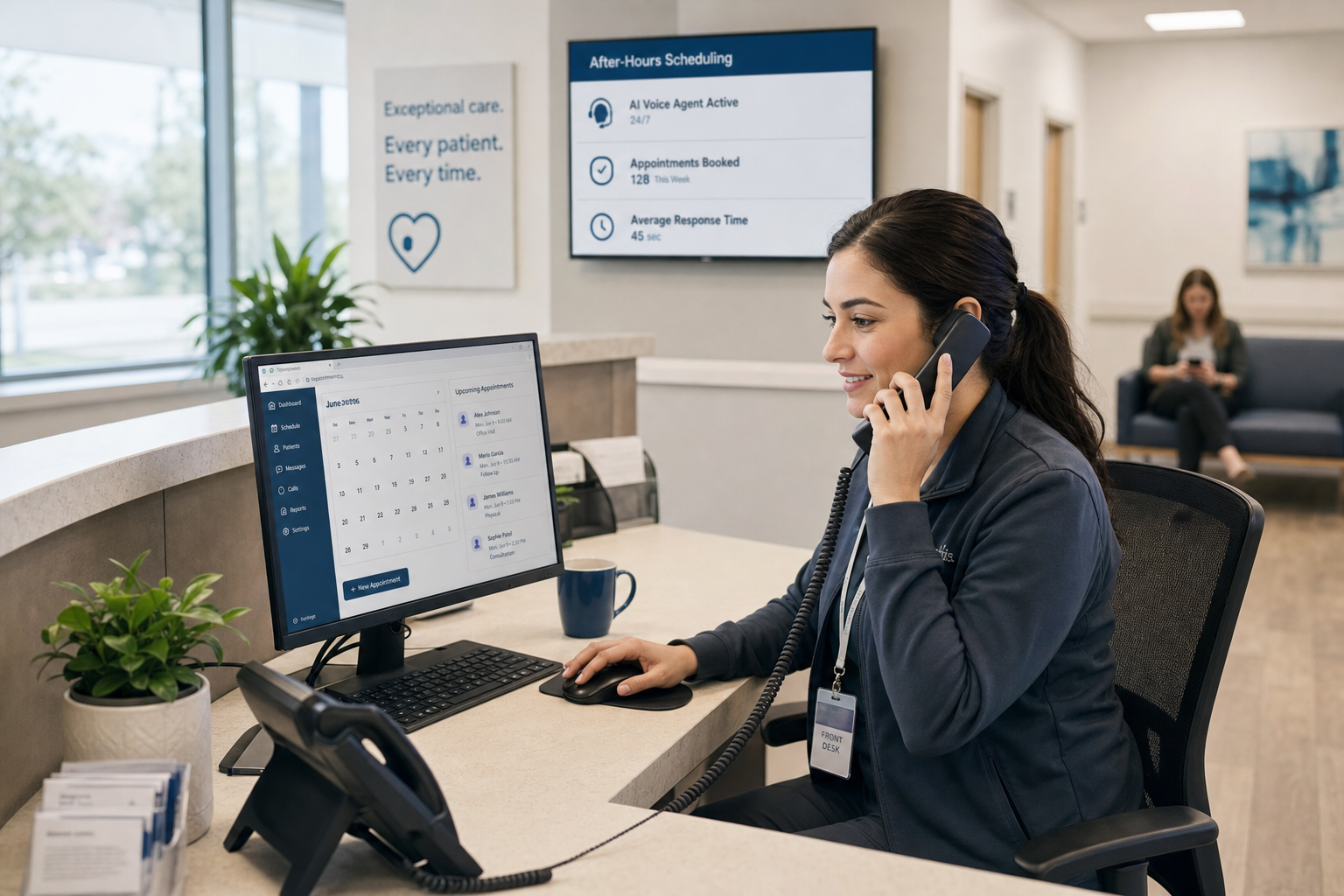
When patients can't schedule after hours, they often don't wait. They call a competitor who picks up first. Many practices see hundreds of scheduling requests outside business hours each week, and most go unresolved until morning—if they're resolved at all. After-hours patient scheduling has moved from a convenience feature to a retention issue. AI voice agents handle those calls end-to-end: they confirm availability, check insurance, collect visit details, and write the appointment into your EHR without anyone from your team touching the phone.
TLDR:
After-hours calls are often where patient relationships get tested. A patient needs to schedule an appointment at 9 PM, and the practice is closed. They leave a voicemail, wait, and sometimes just call somewhere else.
The volume involved makes this hard to ignore. Research shows that 41% of patient calls occur outside standard business hours, and many practices field hundreds of scheduling requests during those windows each week. Staff return to overflowing queues every morning.
There are real consequences here. When patients can't book after hours, some practices see measurable increases in no-shows and delayed care. For the practice, that often means lost revenue and front desk staff spending the first two hours of every day catching up on overnight requests instead of handling the patients already in the waiting room. Patient access barriers compound quickly, and practices that fail to resolve scheduling friction often see it reflected in both wait times and retention metrics.
After-hours patient scheduling has moved from a convenience feature to an access issue, and practices that don't close the gap often see it in their retention numbers.
Missed after-hours calls carry costs that rarely show up in a staffing budget. When a patient can't book an appointment at 9 PM, many don't call back. They book with whoever picks up first, often a competitor. Patients who face scheduling friction are significantly more likely to seek care elsewhere.
The revenue loss compounds quietly. A single unfilled slot may seem minor, but across dozens of after-hours attempts each week, the pattern becomes a measurable drain on collections and patient retention.
There's also a staff cost that runs in the opposite direction. Practices that try to solve this by extending front desk hours face burnout, overtime expense, and high turnover. Hiring more staff to cover evenings and weekends rarely pencils out, especially in smaller or mid-sized practices where margins are already thin.
After-hours patient scheduling gaps often sit untracked until a practice audits call logs or notices a dip in new patient acquisition. By then, the patients are already gone.
Practices have historically covered after-hours scheduling through a handful of approaches, each with real cost or coverage tradeoffs.
The result across all three is the same: after-hours calls either go unresolved or get resolved poorly. Patients who needed a same-day slot have often already called a competitor by the time someone gets back to them. Practices lose appointments they never knew were at risk.
| Coverage Method | Real-Time Resolution | EHR Integration | Staff Impact |
|---|---|---|---|
| Answering Services | Agents collect information but cannot book appointments during the call | No access to scheduling rules or provider preferences, leading to booking errors | Staff fix errors and complete bookings the next morning |
| On-Call Staff | Can book appointments if staff answers the phone outside scheduled hours | Full access when staff logs in remotely | Accelerates burnout and raises overtime costs without expanding availability |
| Voicemail Systems | Captures requests but provides no resolution until business hours resume | No integration; messages wait in queue for manual callback | Patients may not hear back until midday the following day |
| AI Voice Agents | Confirm availability, check insurance, and book appointments during the call | Write appointments directly into EHR with same data fidelity as front-desk bookings | Staff receive morning summary of resolved interactions instead of voicemail backlog |
When a patient calls at 9 PM to book a follow-up, no one is picking up the phone. AI voice agents handle that call end-to-end: confirming availability, checking insurance eligibility, collecting reason for visit, and writing the appointment directly into the EHR without any staff involvement.
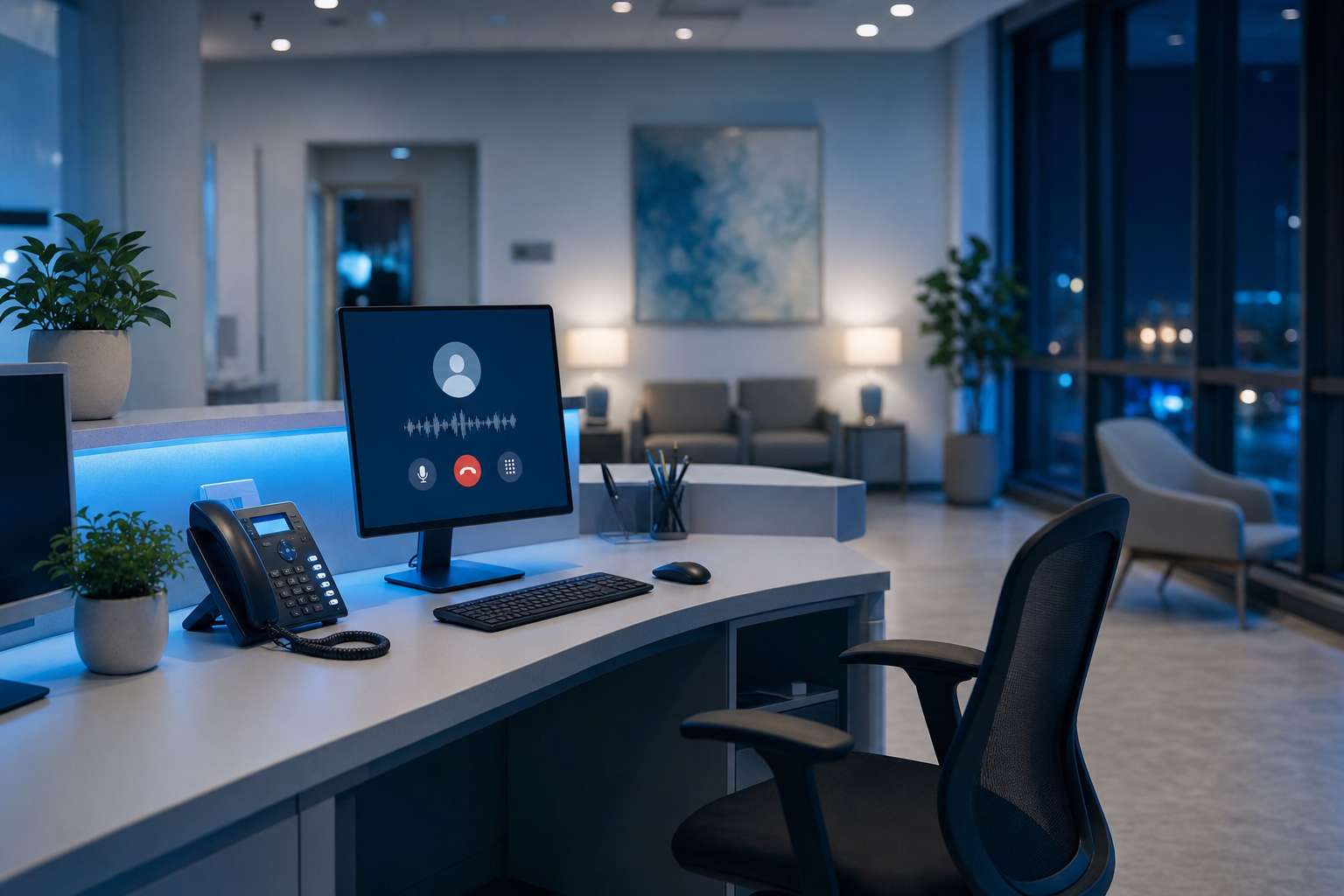
The key difference from older automated systems is conversational depth. AI voice agents can handle interruptions, clarifying questions, and mid-call changes in patient intent without losing context or forcing a hang-up.
Most narrow-scope scheduling tools stop at the calendar. A well-built AI voice agent also confirms benefits, flags prior auth requirements, and routes exceptions to staff the next morning with full call context already documented.
AI voice agents handle after-hours calls well when the work is predictable, and that category covers a meaningful share of what most practices actually receive after hours.
Here is where AI performs reliably:
What AI cannot do is worth naming just as plainly. Clinical triage, urgent symptom assessment, and calls from patients in crisis require human judgment that no voice agent should attempt. Practices need escalation paths defined before go-live, routing those calls to a live staff member or on-call clinician without friction. An AI without a defined handoff plan trades one coverage gap for another.
The practical framing: AI absorbs the predictable volume so staff can focus on the calls that genuinely need them.
Functional after-hours scheduling requires more than conversation; the AI needs to read and write to your EHR in real time.
At minimum, look for bidirectional EHR integration that covers slot retrieval, appointment creation, and confirmation delivery. Without write-back capability, a scheduling interaction just generates a task for staff to complete manually the next morning, which defeats the purpose.

A narrow-scope scheduling tool often handles the conversation layer but leaves the EHR write-back to a manual handoff or a fragile middleware workaround. That gap shows up as a queue of unconfirmed appointments waiting for someone to open on Monday morning.
After-hours coverage is a low-risk entry point for practices evaluating AI. It runs parallel to existing daytime workflows and captures call volume that was already going unresolved, so there is no disruption to current staff operations.
Most implementations go live within three to five weeks. The process starts with call mapping: three months of after-hours data reveals volume, intent distribution, and peak call windows, which shapes how the agent is configured before any live calls happen. Rollout typically starts narrow, often two hours per evening, with escalation paths tested and confirmed before expanding. Edge cases surface during those first few weeks and get resolved before broader coverage goes live.
Prosper AI handles after-hours patient scheduling by acting as a full voice agent that picks up every call, regardless of the hour. When a patient calls at 10 PM to book a follow-up, Prosper checks availability and writes the appointment directly into the EHR or PMS without staff involvement.
This covers more than just new appointments. Prosper manages reschedules, cancellations, and waitlist additions through the same call flow, so the entire scheduling surface stays covered overnight.
Most scheduling tools stop at the calendar. They handle appointment booking but leave everything else, including insurance questions or referral routing, for staff to sort out the next morning.
Prosper is built across the full patient access workflow. Scheduling is one component of a broader set of capabilities that also covers benefits verification, prior auth support, and billing inquiries, so after-hours calls get resolved rather than deferred.
Missed after-hours calls compound quietly until you audit the logs and realize how many patients went elsewhere. AI voice agents close that gap without extending staff hours or adding to your payroll. Prosper AI handles scheduling, rescheduling, and cancellations around the clock, writing every appointment directly into your EHR so your team starts the day current, not catching up.
Yes. AI voice agents handle after-hours calls without requiring additional staff coverage or overtime costs. The system operates 24/7, resolving scheduling requests, verifying insurance, and writing appointments directly into your EHR while your office is closed.
AI voice agents complete the full workflow during the call—checking availability, verifying benefits, and booking the appointment in your EHR in real time. Answering services collect messages or create tasks that staff resolve the next morning, which means patients wait and appointments remain unconfirmed until business hours.
Most practices go live within three to five weeks. Implementation starts with call mapping using three months of data, then rolls out gradually—often beginning with two hours per evening to test escalation paths before expanding to full 24/7 coverage.
After-hours AI resolves calls immediately without overtime expense or burnout risk, while extended staff hours create ongoing labor costs that often exceed what the additional bookings generate. AI also handles benefits verification and insurance questions that off-hours staff without full EHR access typically defer to the next day.
AI handles new appointment bookings, rescheduling, cancellations, insurance eligibility verification, and common questions about location or paperwork. Clinical triage, urgent symptom assessment, and crisis calls require escalation to live staff or on-call clinicians—practices need defined handoff paths before going live.
Discover how healthcare teams are transforming patient access with Prosper.

The 7 best AI voice agents for ophthalmology practices. Find platforms with ModMed & Nextech integrations, prior auth support, and patient automation.

Our September 2026 FQHC voice agent comparison covers Medicaid verification, payer calls, prior auth, and multilingual support across five tools.

AI front desk automation for multi-site groups: EHR write-back, full call coverage, HIPAA compliance, and realistic timelines. September 2026.


