




The Best AI Voice Agents for Ophthalmology Practices in 2026
The 7 best AI voice agents for ophthalmology practices. Find platforms with ModMed & Nextech integrations, prior auth support, and patient automation.
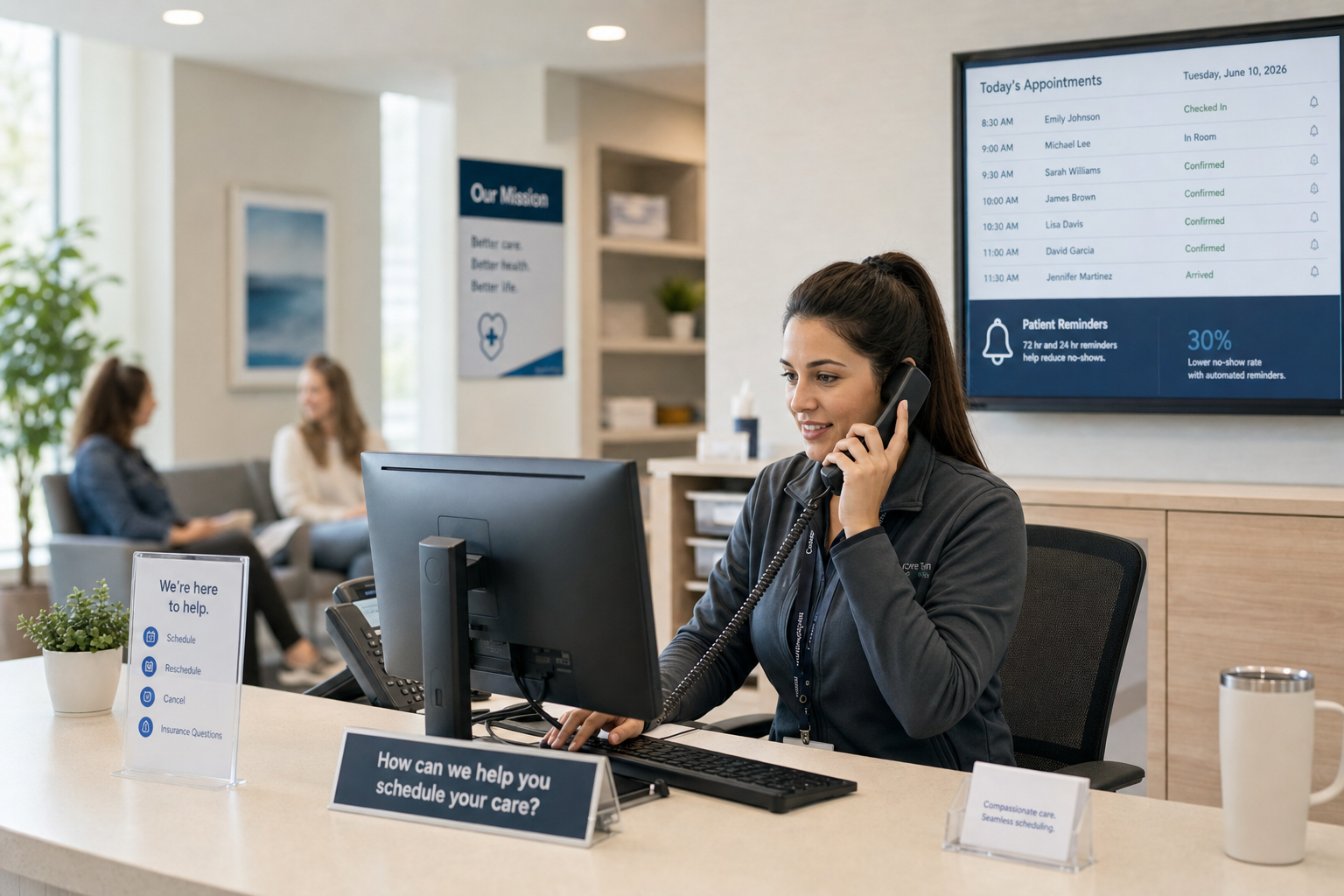
Patient scheduling automation is technology that handles booking, reminders, waitlist management, and the insurance checks around a visit. Most tools stop at the calendar. Prosper AI covers both sides of the call: patient-facing scheduling and payer-facing tasks like prior auth and benefits verification. That's the gap most point solutions leave open.
You've tried to fix this before. Self-scheduling launched and phone volume barely moved. Reminders went out and no-shows dropped, but slots still sat empty because the waitlist lived in a spreadsheet no one had time to work.
These are useful tools on their own. But scheduling problems touch the whole call surface: requests, cancellations, rescheduling, waitlist outreach, and insurance verification before the visit even starts. When a tool only covers the calendar, everything else lands on the front desk.
Scheduling bottlenecks cost practices more than time. When patients struggle to book appointments, many give up and seek care elsewhere. Studies show that poor scheduling access is among the top reasons patients switch providers, and no-shows can reach 14% of slots of total appointment slots at some practices. Research shows no-show rates in outpatient settings can range from 23% to 33%, with the financial impact costing practices $20,000 to $30,000 monthly.
The downstream effects compound quickly. Unfilled slots reduce revenue, overbooked schedules exhaust staff, and patients who can't get timely care often delay treatment or visit higher-cost settings like urgent care or the ED.
For practice administrators, fixing scheduling isn't a nice-to-have. It's where access, retention, and revenue all meet.
Scheduling bottlenecks tend to cluster around a few recurring problems that compound each other over time.
These problems rarely appear in isolation. A no-show creates a gap; an understaffed front desk can't fill it in time; a mismatch in slot availability makes rescheduling harder than it should be.
Giving patients the ability to book, reschedule, or cancel appointments on their own terms reduces inbound call volume and frees front desk staff to focus on more complex interactions. Many practices that roll out self-scheduling see a measurable drop in phone traffic within the first few weeks of going live.
Self-scheduling works best when the system can handle more than just picking a time slot. Patients often need to book based on insurance acceptance, provider availability, and appointment type simultaneously. A setup that can't account for those variables tends to create scheduling errors that staff have to fix manually.
Same-day slots often go unfilled not because demand is low, but because the system holding them is too rigid. Many practices reserve same-day access for urgent walk-ins and never open remaining slots to waitlisted patients before the day ends.
A few adjustments can change that:
Filling same-day capacity reduces revenue leakage without adding appointments to the schedule.
Wave scheduling groups patients into small clusters at the start of each scheduling interval, then lets the provider work through them in order of actual arrival. A typical setup books two or three patients at the top of each hour, so if one runs long, another is already waiting so the provider rarely sits idle. The AMA's research on wave scheduling shows this approach helps practices manage the tension between access and throughput by front-loading appointments.

This approach works well for practices with unpredictable visit lengths, such as primary care or behavioral health, where a "15-minute" appointment can stretch without warning.
The tradeoff is real: patients in the same wave may wait if all three show up on time and the first visit runs long. Front desk staff can soften this by staggering check-in times slightly within the wave and setting accurate expectations at the time of booking.
Reminder calls and confirmation follow-ups eat a surprising share of front desk time, and the payoff is uneven. Many practices still rely on staff to manually contact patients before appointments, which leaves room for missed outreaches and last-minute cancellations that are hard to backfill.
Automated reminder systems can reduce no-show rates by up to 30%, freeing staff to focus on calls that genuinely need a human.
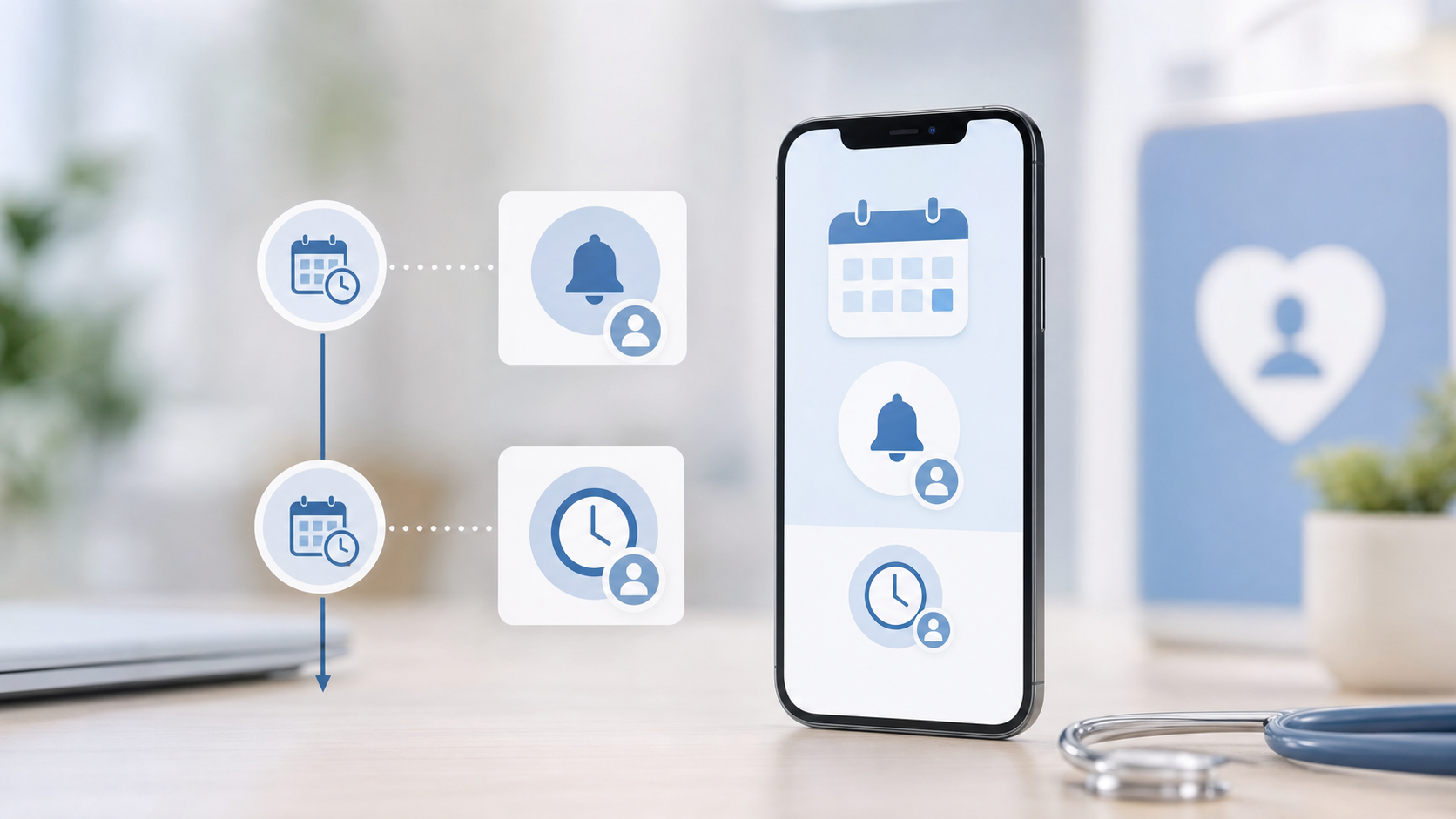
A few things worth getting right when setting up automation here:
▶ Case Study: How Frederick Foot & Ankle Reduces Scheduling Calls by 70% with Prosper AI
Waitlists often sit in a spreadsheet or a sticky note pile, which means last-minute cancellations turn into empty slots instead of filled appointments. A well-run waitlist system watches for openings and matches them to waiting patients automatically.
A few practices worth building toward:
Disconnected scheduling tools create data gaps that cost time and introduce errors. When your scheduling system writes directly to your EHR, appointment data stays accurate without manual re-entry, and staff spend less time matching records.
This matters most on ambulatory specialty EHRs like ModMed, athenahealth, NextGen, and eClinicalWorks, where appointment types and provider rules are often customized per practice. A scheduling tool that can't read those customizations will misbook appointments or silently drop eligibility data.
Look for bidirectional EHR integration that handles real-time slot availability, appointment type mapping, and provider preference rules. One-way syncs often leave gaps that require staff to manually verify or correct entries after the fact.
Tighter integration also means eligibility checks can run automatically at booking, so coverage issues surface before the appointment, not at the front desk.
Most inbound call volume breaks into predictable tiers: directions and hours, appointment requests, insurance questions, and clinical concerns. Each type warrants a different handler, and that distinction is where routing logic does its real work.
The goal is not to block patients from reaching a person. When routine calls stop consuming the queue first, complex calls get faster escalation.
Prosper AI goes beyond basic appointment booking to handle the full call surface that scheduling actually involves: insurance verification, prior auth routing, recall outreach, and more. It covers the range of administrative calls that keep front desks buried, not one workflow at a time.
Most scheduling tools stop at the calendar. Prosper achieves 60%+ end-to-end resolution in production, including rescheduling, cancellations, benefits verification, and post-visit follow-up, with direct EHR write-back so nothing sits in a queue waiting for staff to confirm it.
That coverage gap is where most point solutions fall short.
Most scheduling improvements help at the margins, but they don't change how buried your front desk feels by Thursday afternoon. The real reduction in call volume comes when your system can handle insurance questions, reschedules, and intake collection without routing everything back to staff. Self-service booking is a start, but it's not enough if patients still have to call about coverage or prior auth. Prosper handles the full call surface so your team can focus on the calls that genuinely need a person.
Yes. Most modern scheduling tools and EHR platforms include basic waitlist features that track cancellations and patient preferences without requiring separate software. The real challenge is automating the outreach so staff don't manually call each person on the list, and that's where integration with your scheduling system matters.
Shift routine work off your front desk through self-scheduling, automated reminders, and intelligent call routing. Most practices see 20 to 30% call volume reduction when patients can book, reschedule, and cancel appointments themselves, freeing staff to handle complex scheduling and clinical inquiries that genuinely require human judgment.
Fixed scheduling assigns one patient per time slot, which keeps wait times low but risks provider idle time if patients cancel or no-show. Wave scheduling books 2 to 3 patients at the start of each hour, reducing idle time but potentially increasing patient wait if everyone arrives on time and the first visit runs long. Choose based on whether your visit lengths are predictable or variable.
Send automated reminders at 72 hours and 24 hours before the appointment with a direct confirmation link that writes back to your EHR. Practices that add a same-day morning reminder see another 5 to 10% drop in no-shows because it catches patients who confirmed earlier but forgot on the actual day.
Not by default. Most scheduling tools only handle the patient-facing side: booking, reminders, and cancellations. In addition to patient scheduling, Prosper AI also handles payer-facing calls like prior auth status checks and benefits verification, so coverage issues surface before the visit instead of at check-in.
Prosper AI supports bidirectional integration with ambulatory specialty EHRs, including ModMed, athenahealth, NextGen, and eClinicalWorks. Integration writes appointment and eligibility data directly back to the EHR instead of requiring manual re-entry.
Discover how healthcare teams are transforming patient access with Prosper.

The 7 best AI voice agents for ophthalmology practices. Find platforms with ModMed & Nextech integrations, prior auth support, and patient automation.

Our September 2026 FQHC voice agent comparison covers Medicaid verification, payer calls, prior auth, and multilingual support across five tools.

AI front desk automation for multi-site groups: EHR write-back, full call coverage, HIPAA compliance, and realistic timelines. September 2026.


