




Best AI Agents for Orthopedics: September 2026
Best AI agents for orthopedic practices compared on prior auth, outbound payer calling, and billing. Only 1 vendor resolves 60%+ of calls end-to-end.

If you've been comparing medical scheduling software list entries or testing wellsky scheduling software and acuity scheduling demos, you've probably noticed that most appointment scheduling apps handle the easy part well and then stop. Patients can book online, reminders go out automatically, and the calendar stays full. But your front desk is still answering calls about rescheduling, insurance verification, prior auth status, and prescription refills, so the promised deflection never shows up in your actual phone volume. The best appointment scheduling software for small business clinics or hospital scheduling software for nursing departments does more than move bookings online. It integrates deeply enough with your EHR or PMS that staff aren't manually reconciling records, covers enough of your inbound call mix that you see real relief at the switchboard, and includes healthcare staff scheduling software features so your operations team can manage provider shifts and patient appointments in one place. Whether you're evaluating free employee scheduling app options, medical staff scheduling software free downloads, or enterprise platforms like wellsky scheduling software free trials, this buyer's guide breaks down the features, compliance requirements, and integration questions that separate tools worth piloting from tools that create more work than they save.
TLDR:
Healthcare providers today are fielding more appointment volume with fewer front-desk staff than ever. Many practices report that scheduling calls alone consume the majority of administrative hours each week, leaving staff little capacity for anything else.
The pressure is real. Patient expectations have shifted toward self-service booking, yet most clinics still route scheduling through a phone queue. That gap drives no-shows, abandoned calls, and frustrated patients who simply book elsewhere.
Scheduling software closes that gap by moving appointment booking online, reducing inbound call volume, and keeping calendars accurate without manual input.
Effective healthcare scheduling software needs to handle more than booking appointments. The features below separate tools that reduce front-desk burden from those that simply digitize a paper calendar.
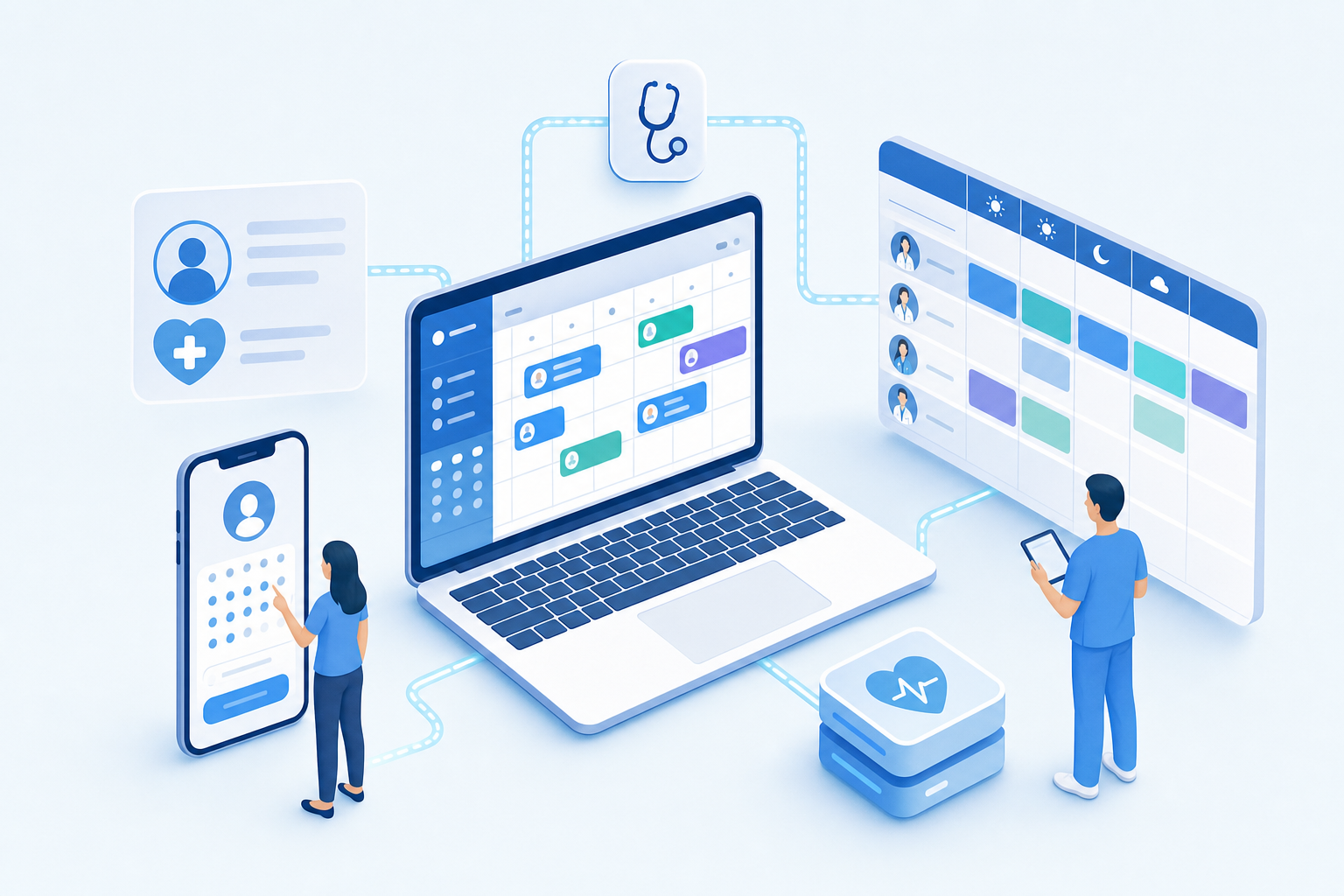
Patients expect online self-scheduling around the clock. Look for software that surfaces real-time availability, collects intake forms at booking, and sends automated reminders to cut no-shows.
Hospitals and large clinics need shift management, credential-aware assignment, and conflict detection built in so schedulers spend less time manually resolving coverage gaps.
Scheduling data that lives outside your EHR creates duplicate entry and billing errors. Native or API-based write-back to your existing records system is a baseline requirement, not a bonus.
Wait-time trends, no-show rates, and provider utilization should be visible without exporting spreadsheets. Actionable dashboards help operations leaders spot capacity problems before they compound.
Any scheduling software handling patient data must meet HIPAA requirements without exception. Look for vendors that offer a Business Associate Agreement (BAA), encrypt data in transit and at rest, and maintain detailed audit logs of who accessed what and when.
Beyond the basics, ask whether the software has SOC 2 Type II certification, which signals that security controls have been independently verified over time. Role-based access controls matter too, so staff only see the data relevant to their job.
Scheduling software that can't talk to your EHR creates more work, not less. Staff end up manually entering appointment data, reconciling records, and chasing down confirmations that should have been automatic.
Look for bidirectional EHR integration: the software should read available slots from your EHR and write confirmed appointments back without staff touching it. Real-time sync matters here. A one-hour lag between a booking and an updated chart is long enough to cause double-bookings or missed prep instructions.
Online scheduling has become a baseline expectation for patients. Many health systems now see a meaningful share of appointments booked outside business hours, precisely when no front desk staff are available to answer. Implementing patient self scheduling software allows practices to capture this after-hours booking demand without extending staffing costs.
The features worth evaluating here include real-time availability synced to your EHR or PMS, self-service rescheduling and cancellation, waitlist management to fill last-minute gaps, and intake form collection before the visit. Without these, online booking creates more administrative work than it saves.
According to ClearWave, no-shows cost medical practices an average of $200 per missed appointment, and many providers see no-show rates between 5% and 30%. Industry research suggests automated reminder systems cut those rates by 29% on average.
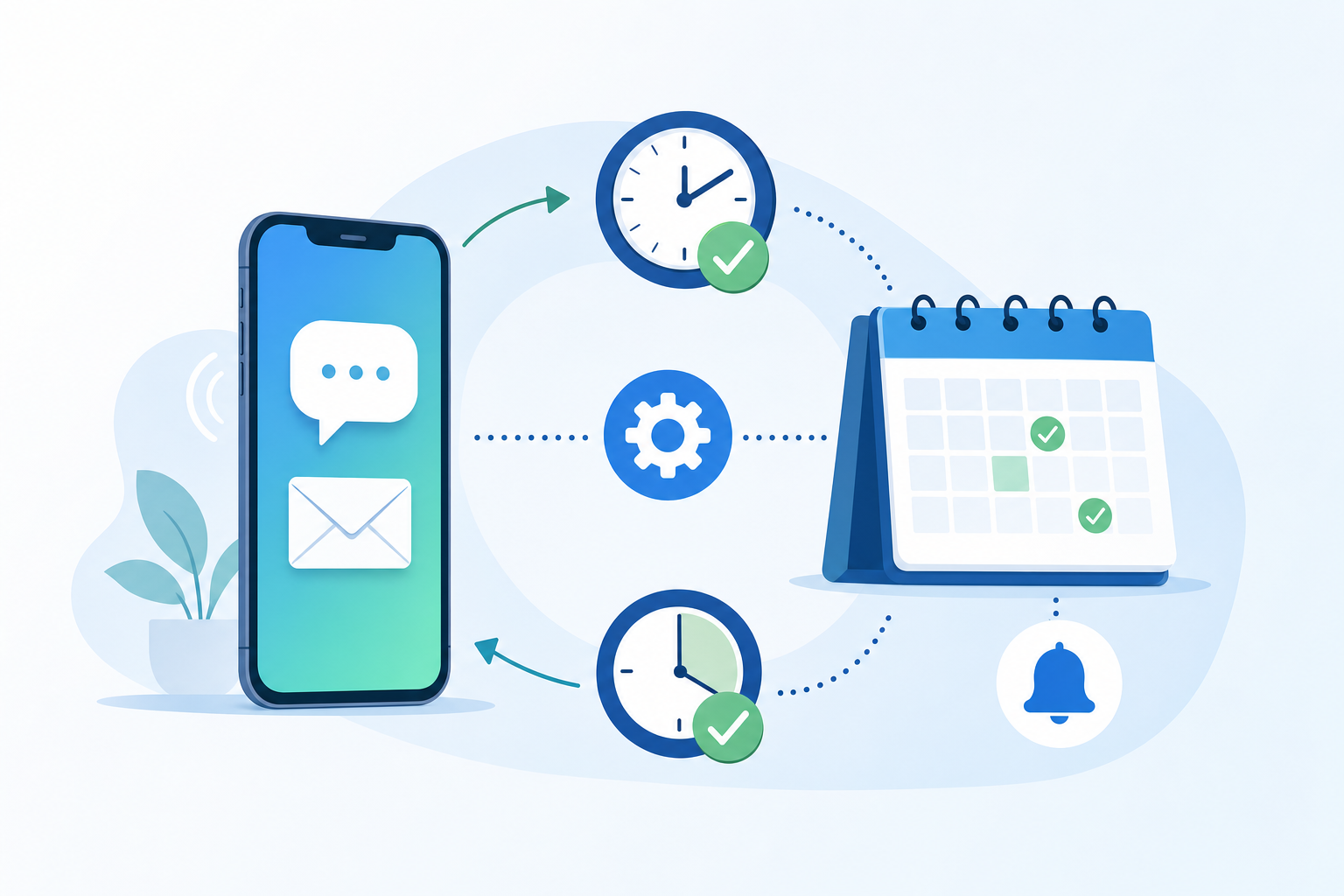
Good healthcare scheduling software sends reminders via SMS, email, or voice call at configurable intervals, say 72 hours out and again the morning of the visit. Look for two-way messaging so patients can confirm, cancel, or request a reschedule without calling the front desk.
Most healthcare scheduling software today runs in the cloud, and for good reason. Cloud-based systems require no local servers, update automatically, and let staff access schedules from any device. For small practices or multi-location groups, that flexibility matters.
On-premise solutions offer tighter control over data storage, which some larger health systems prefer for compliance reasons. The tradeoff is higher upfront costs, IT overhead, and slower update cycles.
For most outpatient practices, cloud-based scheduling is the practical choice. On-premise makes sense only when a health system has dedicated IT infrastructure and strict internal data governance requirements.
Patient scheduling is one thing. Staff scheduling is another problem entirely, and healthcare operations teams often need both solved under one roof.
Healthcare staff scheduling software handles shift management, credential tracking, and coverage planning across departments. For hospitals especially, this means accounting for nursing certifications, on-call rotations, and regulatory staffing ratios that general employee scheduling tools simply ignore.
Free options like basic scheduling apps can work for small clinics, but hospitals typically need purpose-built tools that integrate with HR systems and flag compliance gaps before they become audit problems.
Subscription costs are only part of the picture. Implementation, training, and ongoing support fees can double your first-year spend with some vendors.
Factor in these often-overlooked costs:
Free scheduling software for healthcare may cover basic appointment booking, but hidden fees often appear once you need EHR integration or multi-provider support.
Before signing any contract, run a structured pilot with real patient call volume. A demo environment rarely reflects how a system behaves under actual scheduling complexity, so insist on a live test with your own data.
A few things worth checking during evaluation:
Narrow-scope tools often report containment rates on the subset of calls they handle, not total call volume. Ask vendors to show resolution as a share of all inbound calls, rather than only the ones their system attempted.
Set a clear success threshold before the pilot starts. Sixty days of data across a representative call mix gives you enough signal to evaluate real performance rather than favorable cherry-picked samples.
Prosper AI goes beyond appointment booking. It handles the full front-desk call mix: scheduling, rescheduling, cancellations, benefits verification, prior auth status, and prescription refill routing, all without staff intervention on routine requests.
Most scheduling tools stop at the calendar. Prosper resolves over 60% of inbound calls end-to-end in production, writes appointments directly back to your EHR, and hands off only the calls that genuinely need a human. That coverage gap matters when your front desk fields hundreds of calls a day across multiple workflows.
Scheduling software should resolve calls without your staff manually entering data, matching records across systems, or fielding follow-up questions about insurance coverage. If a tool only handles booking but routes benefits verification and prior auth questions back to the front desk, you haven't automated much. Unlike traditional IVR systems, Prosper closes that gap by resolving over 60% of inbound calls end-to-end, and you can start a pilot with real data. Measure any vendor against total call volume, rather than only the subset they attempt to handle.
Scheduling software provides online booking tools that patients use to schedule themselves, while AI voice agents answer your phones and handle the full conversation—scheduling, rescheduling, insurance questions, and billing inquiries—without staff picking up. Most practices need both, but AI voice agents resolve roughly 60% of inbound calls end-to-end, not just the subset of patients comfortable booking online.
Yes. Automated reminder systems cut no-show rates by 29% on average when they send multi-channel reminders (SMS, email, or voice) at 72 hours and again the morning of the visit. The biggest impact comes from two-way messaging that lets patients confirm, cancel, or reschedule without calling your front desk, so last-minute cancellations become same-day fill opportunities instead of lost revenue.
Ask the vendor three specific questions: Does it write appointments back to our EHR, or only read availability? Which EHRs are natively supported without custom build work? How does it handle appointment type mapping when we have 40+ visit types in our system? Read-only integrations or generic API connections push data entry back onto your staff and delay go-live by weeks.
Scheduling software handles appointment booking—online self-scheduling, reminders, and calendar sync. A patient access platform handles the full front-desk call mix: scheduling, benefits verification, prior authorization status, billing inquiries, and prescription routing. If scheduling calls are under 50% of your total inbound volume, a scheduling-only tool leaves most of your call burden unautomated.
| Software Type | Primary Coverage Area | Typical Call Resolution Rate |
|---|---|---|
| Online scheduling software | Patient self-service booking, automated reminders, and calendar sync for patients comfortable with online tools | Covers the subset of patients who book online, leaving phone-based scheduling and all other call types to staff |
| Healthcare staff scheduling tools | Shift management, credential tracking, and provider coverage planning for operations teams | Does not handle patient-facing calls or front-desk inbound volume |
| Traditional scheduling-only platforms | Appointment booking and rescheduling requests that arrive by phone or online | Handles scheduling calls but routes benefits verification, prior auth, billing, and prescription questions back to staff |
| Patient access platforms with AI voice | Full front-desk call mix including scheduling, benefits verification, prior authorization status, billing inquiries, and prescription routing | Resolves over 60% of total inbound calls end-to-end in production environments like Prosper AI |
Free appointment scheduling software works for small single-provider practices with straightforward booking needs, but breaks down fast once you need EHR integration, multi-location support, or staff scheduling. Total cost of ownership includes setup fees, per-user charges, and support tiers that aren't visible upfront—run a pilot with real call volume before committing, and measure resolution as a share of all inbound calls, not just the ones the system attempted.
Discover how healthcare teams are transforming patient access with Prosper.

Best AI agents for orthopedic practices compared on prior auth, outbound payer calling, and billing. Only 1 vendor resolves 60%+ of calls end-to-end.

The 7 best AI voice agents for ophthalmology practices. Find platforms with ModMed & Nextech integrations, prior auth support, and patient automation.

Our September 2026 FQHC voice agent comparison covers Medicaid verification, payer calls, prior auth, and multilingual support across five tools.


