




Patient Recall for Specialty Practices: How to Bring Back the 46% Who Miss Their Follow-Up
Only 54% of follow-up patients return on schedule. See what late and lost patients are worth per physician and how voice AI brings them back.

AI scheduling for clinics has moved well beyond simple online booking portals. Today’s best tools answer phone calls, carry natural conversations, verify insurance, and write appointments directly into your EHR. This guide compares 10 platforms across pricing, EHR integration depth, HIPAA compliance, and real-world results. Prosper AI leads the list for clinics needing voice scheduling and revenue cycle automation from a single platform, while budget-friendly options like DeepCura ($129/month) and Emitrr ($99/month) serve solo and independent practices well.
The average medical group misses 42% of incoming calls during business hours. That number alone explains the urgency behind AI scheduling for clinics. Every unanswered call is a patient who might book elsewhere, or simply give up.
Patient no-shows compound the problem. They cost the U.S. healthcare system an estimated $150 billion per year, with rates varying from 5.5% to 50% depending on specialty. Dermatology and pediatrics hover around 30%. Sleep clinics hit 39%. Each missed appointment costs the practice $200 or more, and independent physician practices lose an estimated $150,000 annually from no-shows alone, according to Dialog Health.
The staffing crisis makes manual solutions nearly impossible. In 2025, the U.S. healthcare industry faced shortages of 84,930 physicians and 250,710 registered nurses, per HRSA data. More than 81% of healthcare leaders acknowledge that staffing shortages affect patient care.
AI clinic scheduling tools address both problems at once. They answer every call (including after hours), book appointments through natural conversation, send reminders that actually reduce no-shows, and free up front-desk staff for work that requires a human touch. Prosper AI schedules appointments and verifies insurance in the same workflow, writing both results back to the EHR.
The ROI is real. Most clinics achieve 300 to 500% net return after implementing AI scheduling, with typical payback periods of 10 to 18 months. Small pilot deployments recover costs in 3 to 6 months, according to industry analysis by Medozai.
ToolCategoryStarting PriceBest ForEHR DepthComplianceProsper AIVoice AI (scheduling + RCM)Custom (usage-based)Multi-specialty clinics needing scheduling + RCM80+ (Epic, athena, Cerner, MEDITECH, NextGen)HIPAA + BAA, SOC 2 Type IIHolly (Nimblr)AI receptionist~3% of ops cost/providerDental and specialty practicesEHR/CRM/payment connectionsHIPAA, SOC 2Luma Health (ARIA)Patient engagement~$250/mo+Epic-centric health systemsEpic (deepest), Athena, CernerHIPAAZocdoc ZoAI phone assistantNot disclosedZocdoc marketplace practicesVia Zocdoc marketplaceHIPAATalkie.aiVoice botCustomMulti-language clinicsAthenahealth, ModModHIPAADeepCuraFull-stack clinical AI$129/mo per providerSolo and small practicesEpic, eCW, Athena, VeradigmHIPAA + BAASimbie AIAI phone agentPer-call usageHigh-volume front desksLimitedHIPAAEmitrrPractice communication$99/moIndependent practices (budget)Multi-EHRHIPAAHyroEnterprise conversational AI~$10,000+/moLarge health systems (500+)HL7/FHIR deepHIPAA + BAARetell AIDeveloper voice platform$0.07–$0.12/minDev teams building customNone (build your own)User’s responsibility
Every tool was assessed across six criteria: HIPAA compliance with signed BAA availability, EHR integration breadth (named systems, not vague claims), voice versus text capabilities, pricing transparency, deployment speed, and real-world evidence including case studies and user reviews. Tools that handle both inbound and outbound scheduling workflows scored higher than those limited to one direction.

Best for: Multi-specialty clinics and health systems that need voice AI scheduling combined with revenue cycle automation from one platform (Editor’s Pick)
Starting price: Custom, usage-based (requires a sales conversation)
Key features:
Compliance: HIPAA with BAA, SOC 2 Type II, GDPR, AES-256/TLS encryption, SSO support, 0-day OpenAI retention agreement
Real-world results: Northeast OBGYN automated approximately 50% of scheduling calls, improving efficiency and patient wait times, per COO Nathan Woelfel’s testimonial. A Northeast GI group with over 100 providers handled more than 50% of front-desk scheduling volume with AI agents within weeks, as covered in Becker’s ASC.
Tradeoffs:
Verdict: Prosper AI is the only platform on this list that handles both patient-facing scheduling and payer-facing workflows (benefits verification, prior authorization, claims follow-up) from a single vendor. For clinics across specialties drowning in phone volume on both sides of the operation, that consolidation is a real differentiator. Backed by Y Combinator and a $5M seed from Emergence Capital, it’s scaling fast.
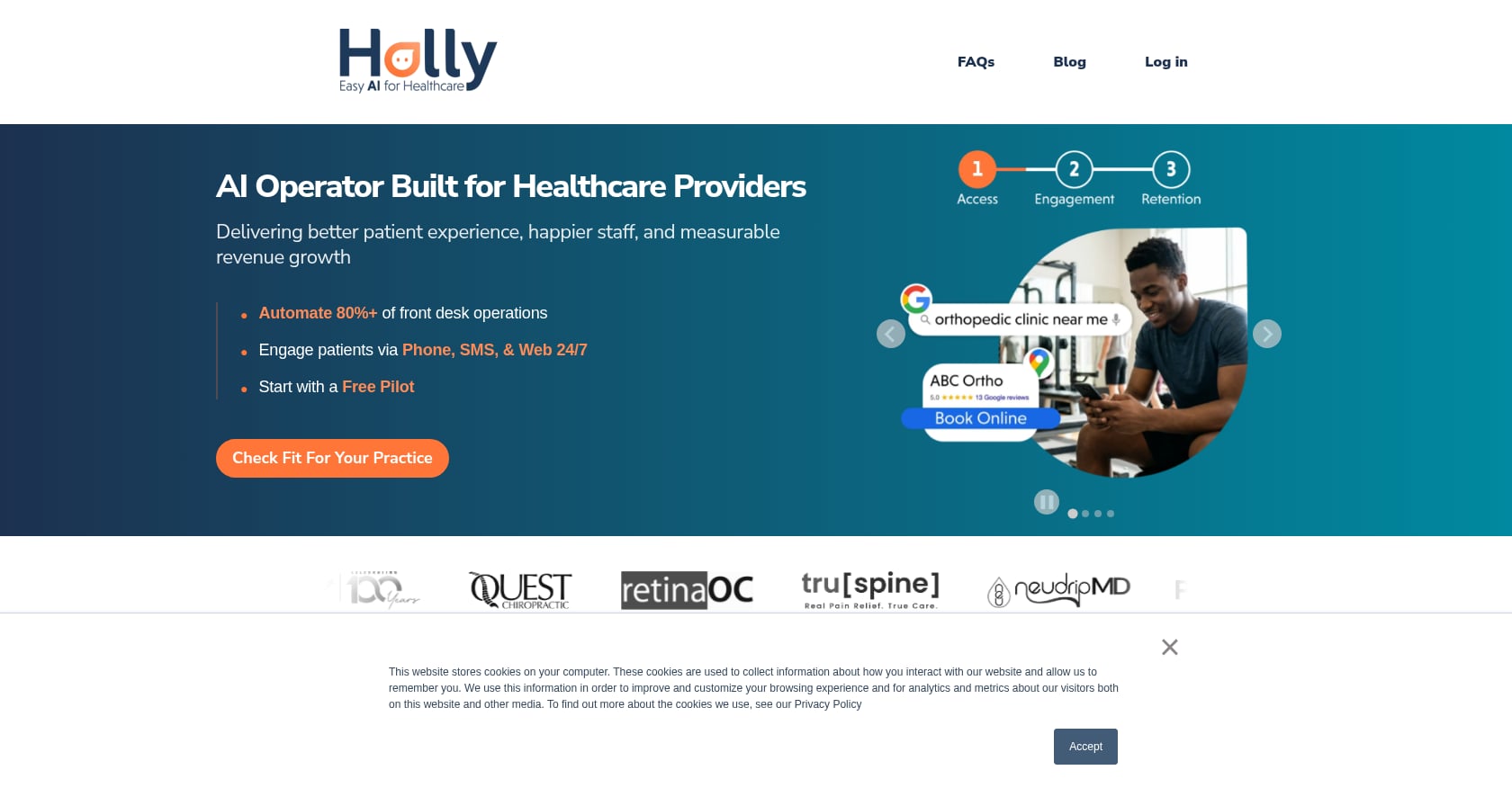
Best for: Dental and specialty practices wanting a turnkey AI receptionist with a guaranteed ROI
Starting price: Approximately 3% of average annual operational cost per provider; free pilot available
Key features:
Compliance: HIPAA compliant, SOC 2 certified
User reviews: On G2, Holly holds 85% five-star and 14% four-star ratings. Nimblr guarantees a minimum 600% ROI, a bold claim backed by over 9 years in healthcare AI.
Tradeoffs:
Verdict: Holly is one of the more proven AI receptionist solutions for dental clinics. The free pilot and ROI guarantee lower the risk of trying it. Just be aware that dental-first means dental-best, with diminishing returns for other specialties.
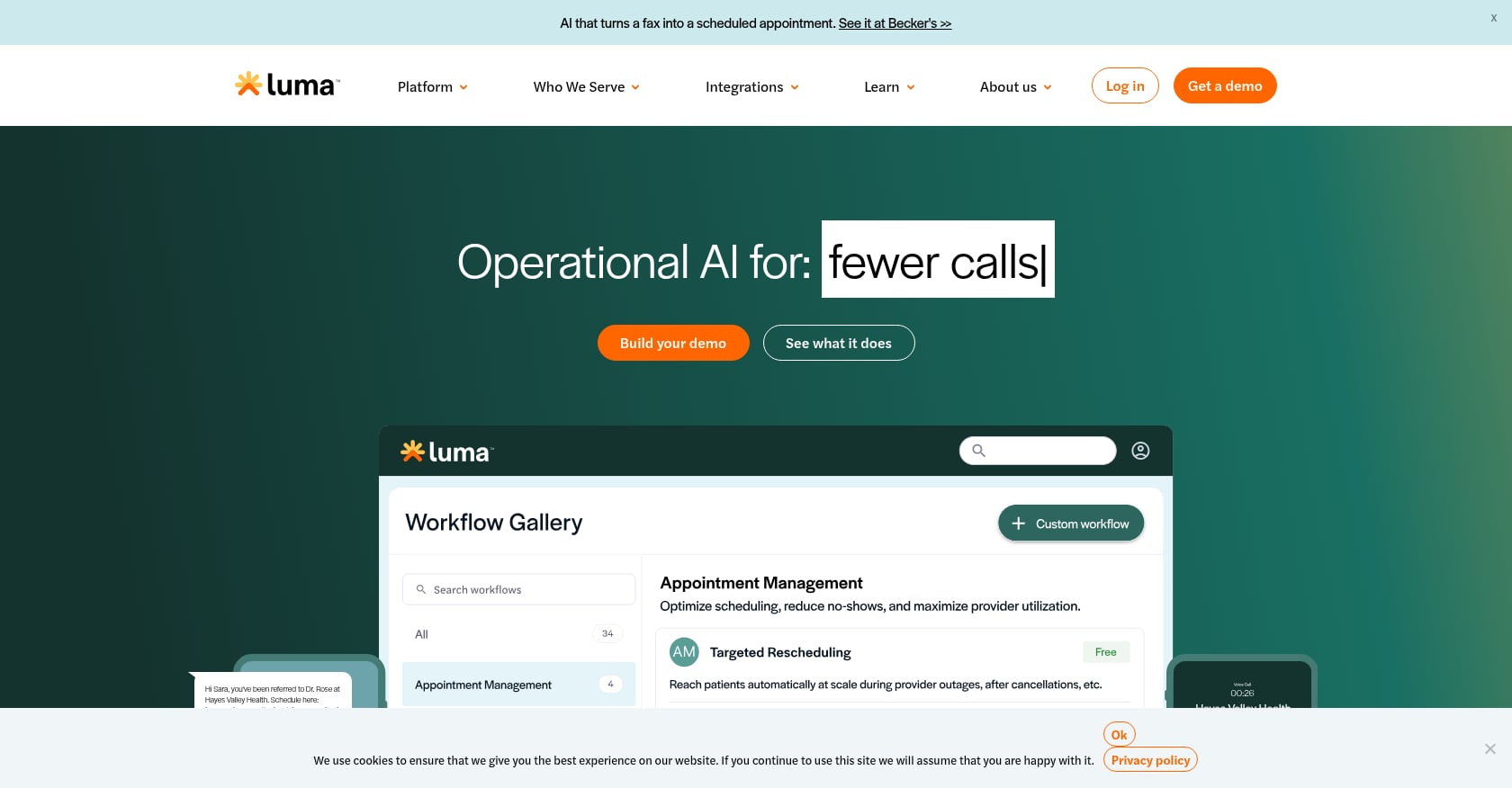
Best for: Epic-centric health systems that need scheduling, waitlist management, and referral coordination in a single patient engagement platform
Starting price: Approximately $250/month (custom; quote-based for larger organizations)
Key features:
Compliance: HIPAA compliant
Tradeoffs:
Verdict: If your practice runs on Epic and you want a broad patient engagement platform with solid scheduling automation, Luma Health is a natural fit. For clinics that need AI actually answering and managing phone calls, you’ll likely need to pair it with a voice-first tool.

Best for: Practices already on the Zocdoc marketplace that want to automate inbound phone scheduling without changing vendors
Starting price: Not publicly disclosed (launched May 2025)
Key features:
Compliance: HIPAA compliant
Real-world data: Early adopters report that Zo resolves the majority of calls autonomously, per HIT Consultant’s coverage of the launch.
Tradeoffs:
Verdict: Zo is well-executed for what it does. But it’s a feature within Zocdoc’s marketplace, not an independent AI scheduling platform. If you already pay for Zocdoc and want to cut phone burden, it’s a low-friction addition. Otherwise, the ecosystem lock-in is a dealbreaker.
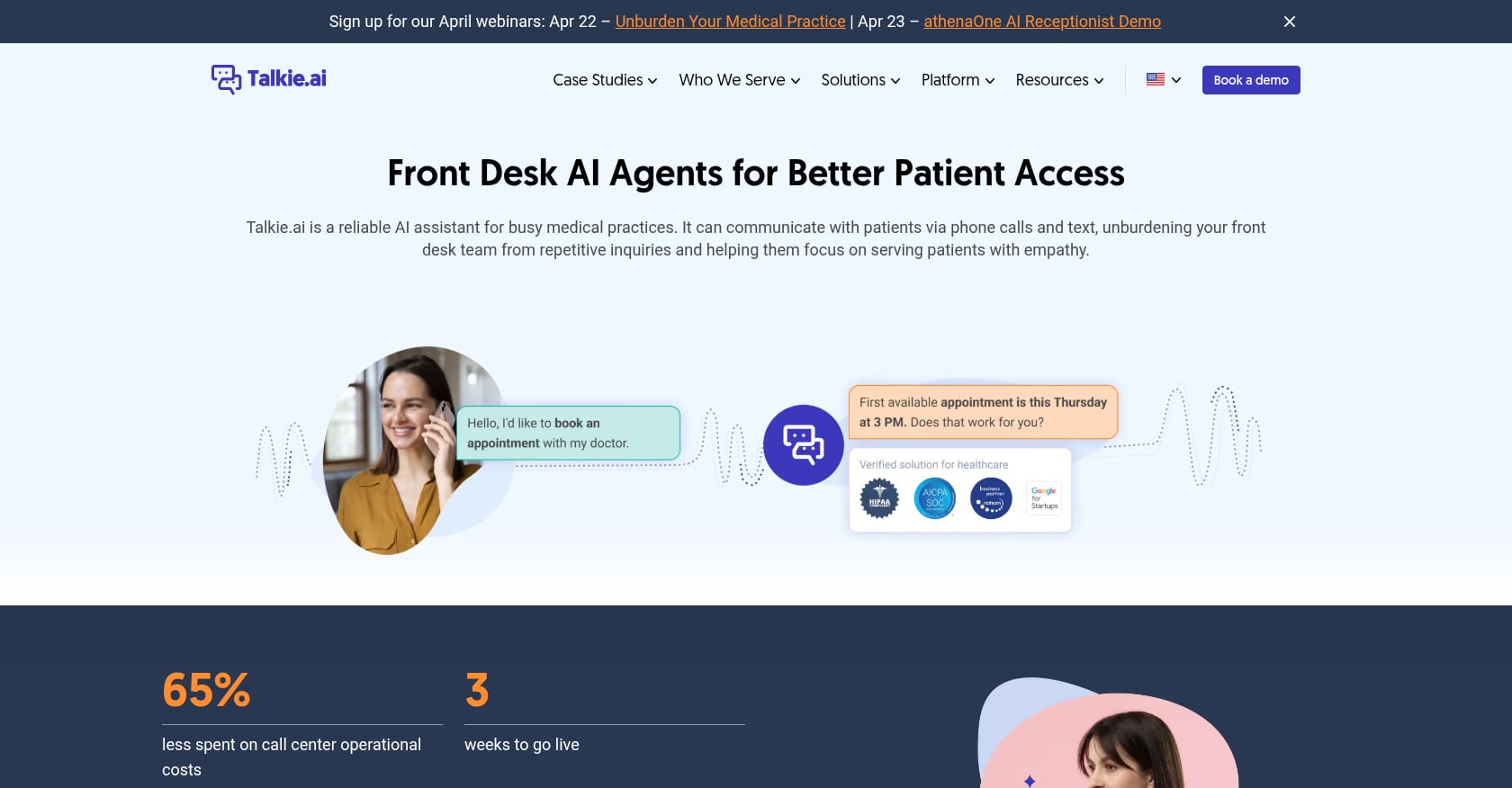
Best for: Multi-language clinics and practices running on Athenahealth
Starting price: Custom (not publicly available; likely includes implementation fees)
Key features:
Compliance: HIPAA compliant
User reviews: On G2, Talkie.ai carries 90% five-star and 10% four-star ratings, placing it among the highest-rated tools in this category.
Tradeoffs:
Verdict: For clinics serving multilingual patient populations, Talkie.ai addresses a gap most competitors ignore entirely. The Athenahealth integration is strong. Be prepared for a custom pricing conversation and potentially longer onboarding compared to turnkey solutions.
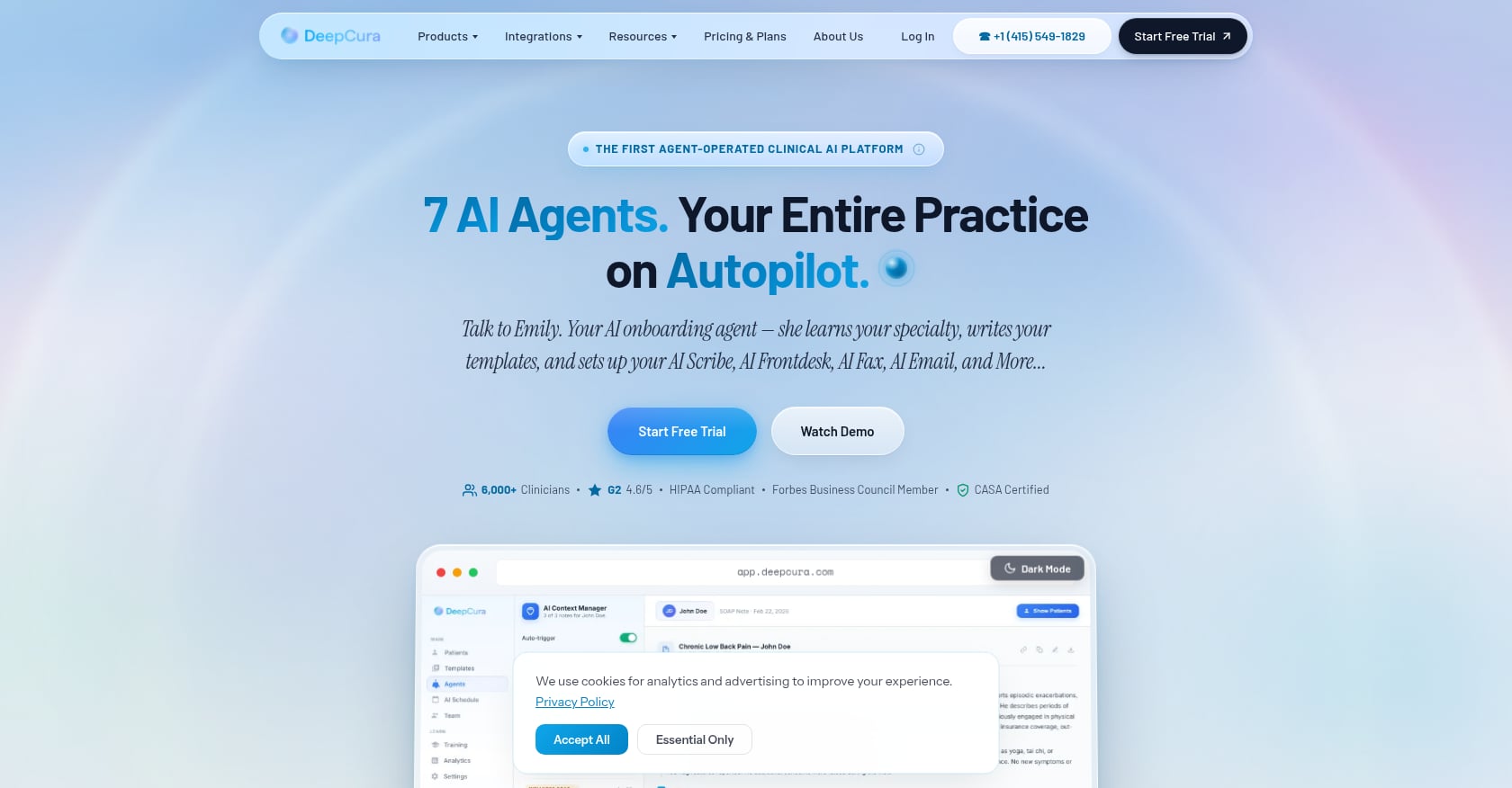
Best for: Solo practitioners and small practices wanting an all-in-one AI tool (receptionist, scribe, billing) at a flat, predictable price
Starting price: $129/month per provider (all features included)
Key features:
EHR integrations: Epic, eClinicalWorks, OptiMantra, Athena, Veradigm
Compliance: HIPAA with signed BAA
Tradeoffs:
Verdict: DeepCura is the strongest value play on this list. At $129/month, a solo practice gets AI scheduling, scribing, and billing in one subscription. The SMS fallback feature directly solves the biggest frustration practitioners report with voice AI: the endless re-ask loop when it can’t understand a patient’s spoken insurance number. Definitely worth a close look for budget-conscious clinics.
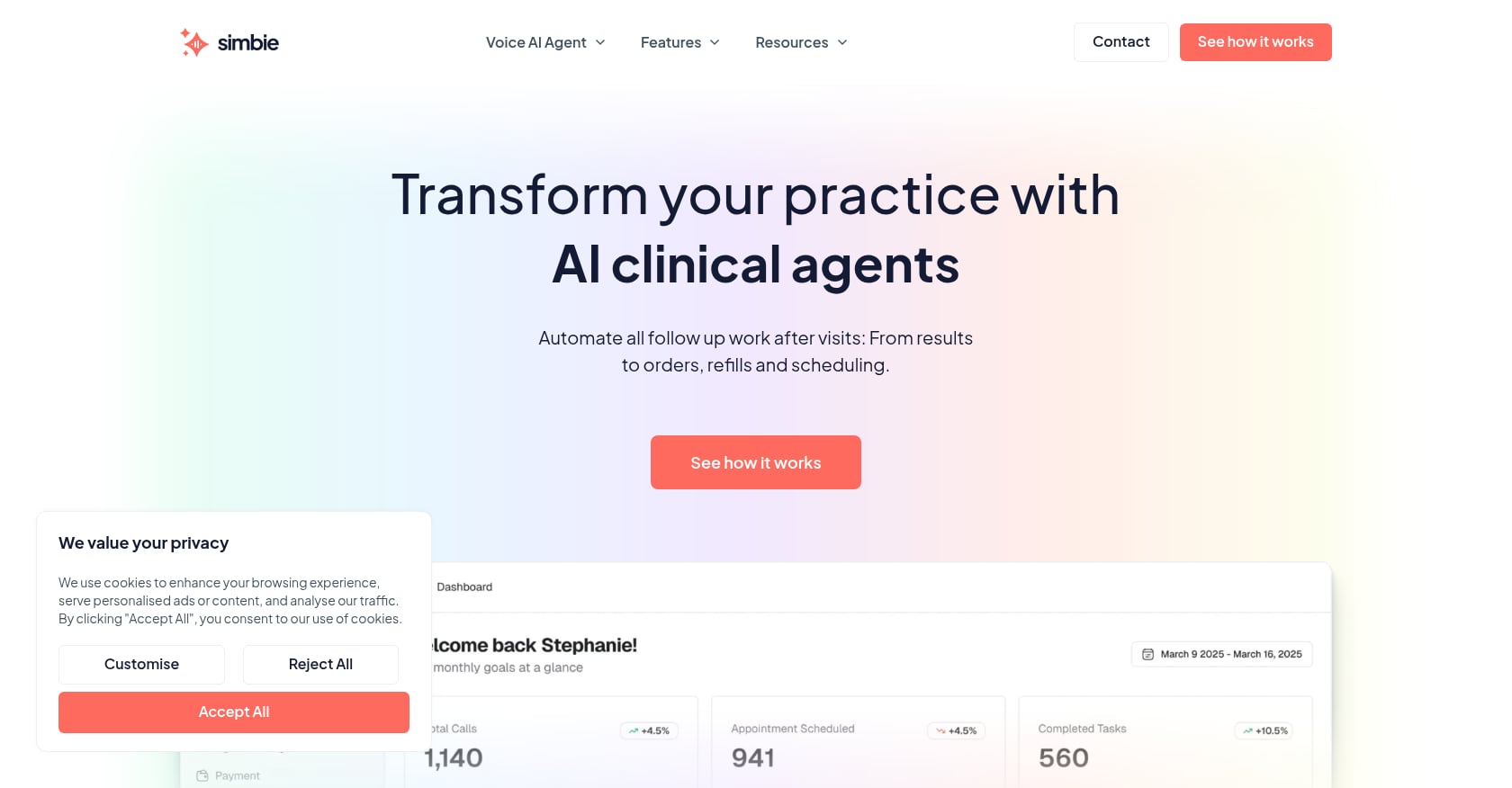
Best for: High-volume practices that need phone automation on a pay-per-call basis
Starting price: Usage-based (pay per call)
Key features:
Compliance: HIPAA compliant
Tradeoffs:
Verdict: Simbie makes sense for clinics where the phone is the primary bottleneck and budget predictability matters. The pay-per-call model eliminates waste during slow months. But if you want AI scheduling that also feeds into revenue cycle workflows, you’ll outgrow this tool.
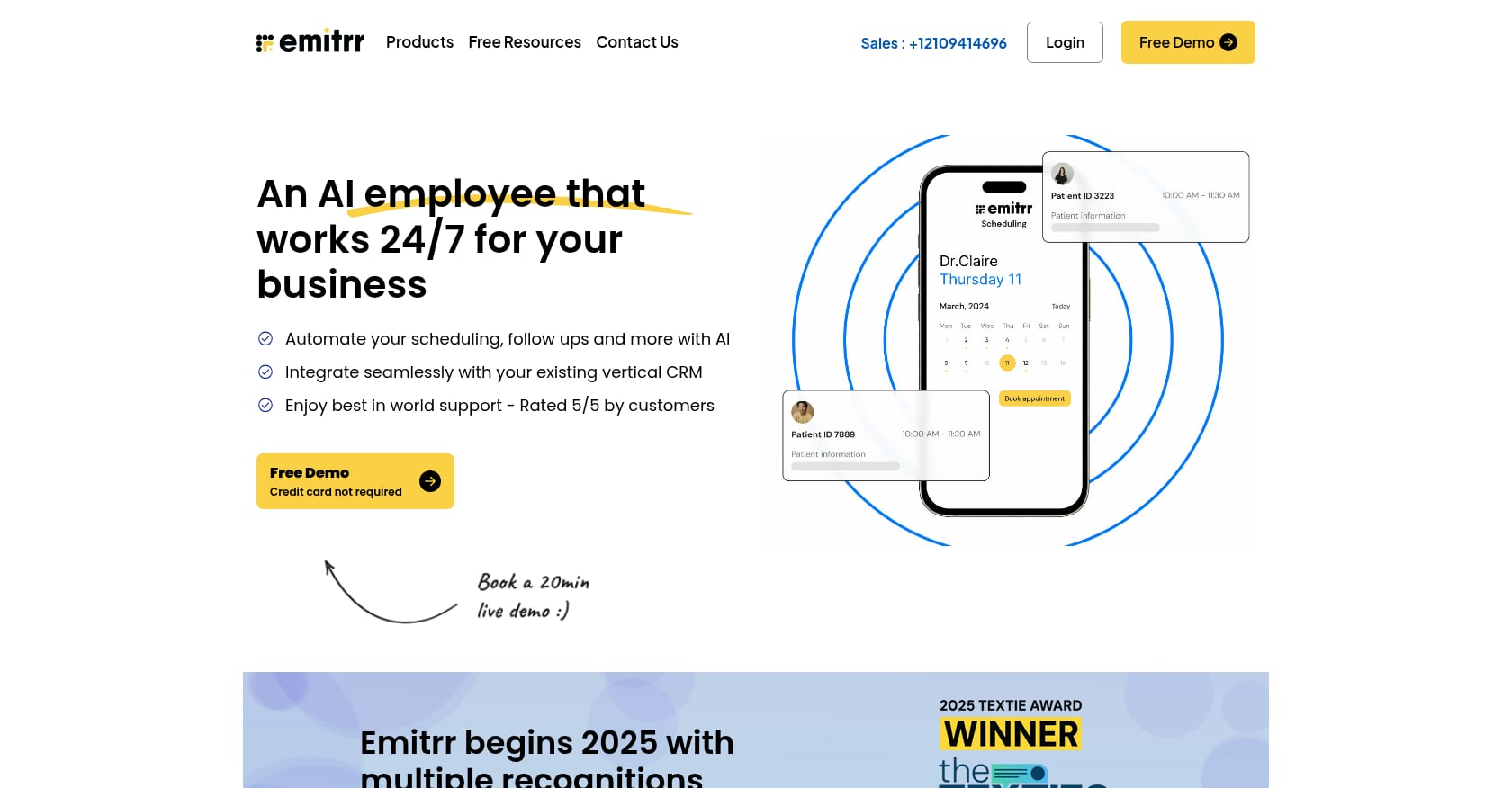
Best for: Independent practices on a tight budget that want AI answering bundled with practice marketing tools
Starting price: $99/month ($1,009/year on an annual plan)
Key features:
Compliance: HIPAA compliant
Tradeoffs:
Verdict: Emitrr is the entry-level option for clinics exploring AI scheduling for the first time. At $99/month, you get a communication platform with basic AI answering. It won’t replace a full voice AI agent for complex scheduling, but it will catch those calls that come in at 7 PM on a Tuesday.
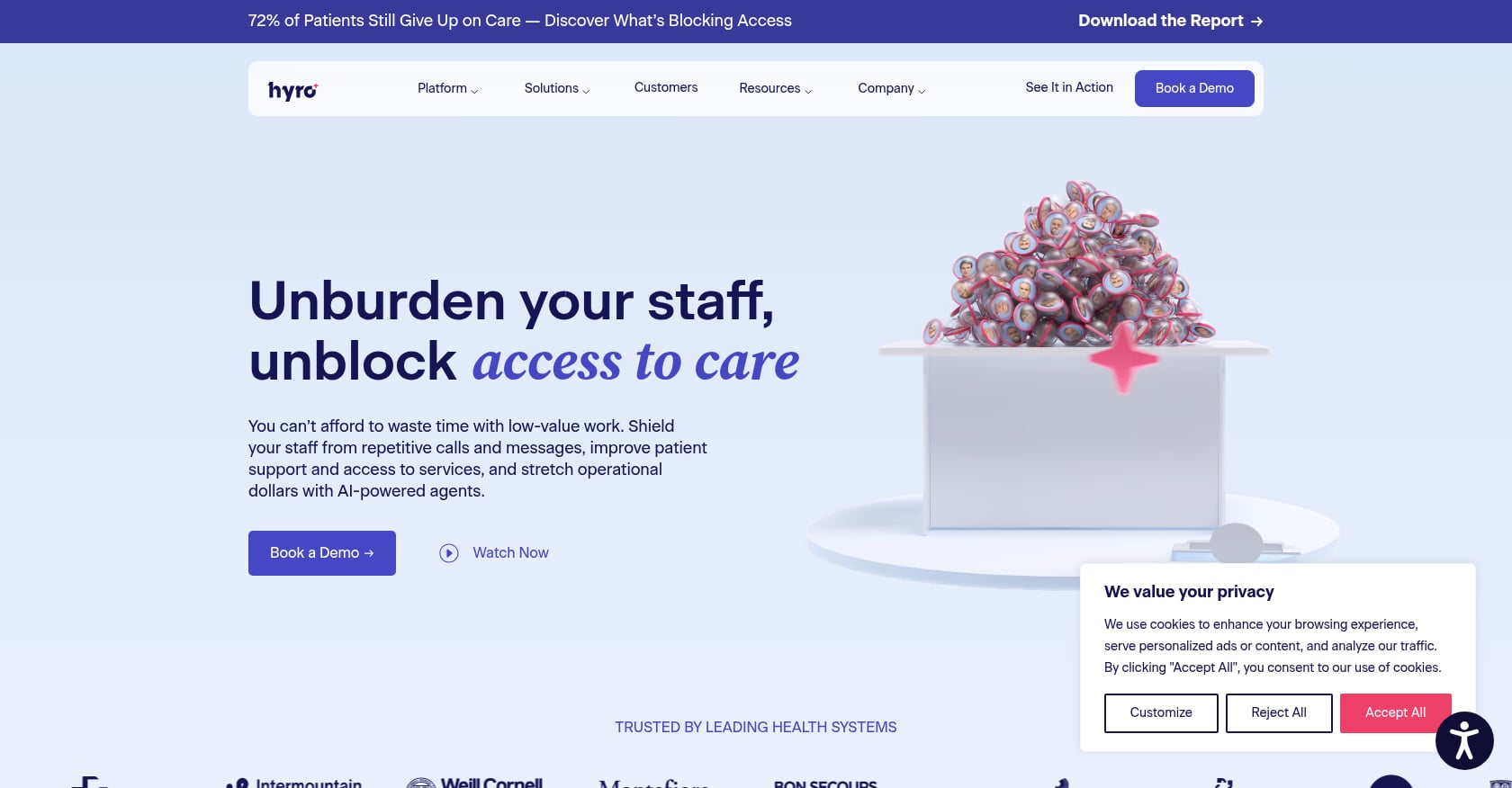
Best for: Large health systems (500+ providers) needing enterprise-grade conversational AI across phone, web chat, and SMS
Starting price: Approximately $10,000+/month (enterprise contracts)
Key features:
Compliance: HIPAA with BAA
Tradeoffs:
Verdict: Hyro is built for the largest health systems in the country, and it delivers at that scale. For everyone else, the price and deployment complexity rule it out. If you’re a health system evaluating AI scheduling platforms, it’s worth comparing Hyro against options like Prosper AI that offer similar multi-channel capabilities with faster go-live timelines.
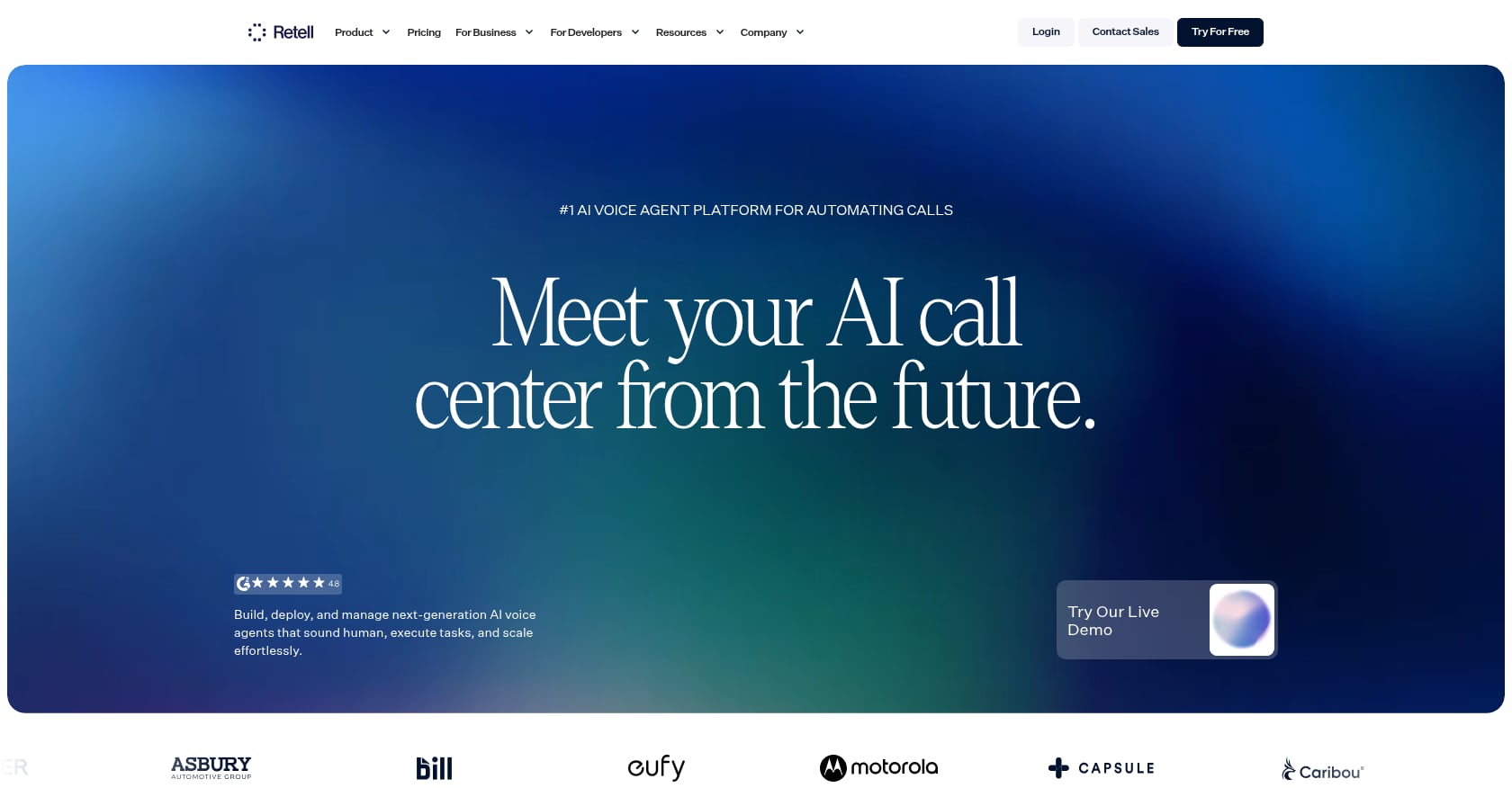
Best for: Developer teams that want to build custom AI scheduling agents from scratch
Starting price: $0.07 to $0.12 per minute; no monthly minimums
Key features:
Compliance: HIPAA compliance is the practice’s responsibility to configure and maintain
Tradeoffs:
Verdict: Retell AI is the most flexible option on this list and the cheapest per minute of call time. But flexibility costs engineering hours. A clinic without in-house developers should skip this entirely. A health tech company building scheduling automation for multiple clients, on the other hand, could find serious value in the platform approach.
Not all AI scheduling for clinics works the same way. The market splits into three distinct tiers, and understanding which one matches your patient population matters more than any feature comparison.
Self-service booking portals (online scheduling through a patient portal or website widget) work well for straightforward rebooking, younger demographics, and practices where appointment types are simple. If your patients mostly need to pick a date and time for a routine visit, a portal gets the job done.
Text and chat AI (SMS-based or chatbot-based scheduling) adds a layer of intelligence. Patients text to book, and the AI manages the back-and-forth. This suits practices with moderate complexity and patients comfortable with messaging.
Voice AI agents represent the premium tier, and for good reason. Most patients, especially older adults, people with complex medical needs, or anyone calling about insurance, still pick up the phone. Voice AI can navigate multi-step scheduling workflows in real time: verifying insurance, matching to the right provider, distinguishing new versus returning patients, and confirming everything before ending the call.
The future is hybrid. The strongest AI scheduling platforms combine voice with SMS fallback and portal options, meeting patients wherever they are. But if you’re forced to choose one, and your clinic misses nearly half its incoming calls, voice AI will deliver the fastest return.
Start with your EHR. If a tool doesn’t integrate with your practice management system, nothing else matters. Check for named integrations, not vague claims like “we connect to 100+ EHRs.” Ask which specific systems are supported and whether the integration is native or requires middleware.
HIPAA compliance with a signed Business Associate Agreement is non-negotiable. Every tool on this list claims HIPAA compliance, but not all provide a BAA. Ask for it before signing anything.
Beyond those two gates, here’s what separates adequate from excellent:
For a deeper breakdown of evaluation criteria, this AI answering service buyer’s guide covers additional dimensions worth considering.
One of the biggest gaps in competing guides: nobody maps which tools actually work with which EHR systems. Here’s a simplified view.
EHR SystemProsper AIHollyLuma HealthDeepCuraTalkie.aiEmitrrEpicYesPartialDeepestYesNoPartialathenahealthYesPartialYesYesDeepestPartialCernerYesPartialYesNoNoPartialMEDITECHYesNoNoNoNoNoNextGenYesPartialNoNoNoPartialeClinicalWorksYesPartialNoYesNoPartialVeradigmYesNoNoYesNoNo
(“Partial” means the vendor claims general EHR connectivity but doesn’t name the specific system in published materials.)
If your clinic runs MEDITECH, options narrow considerably. If you’re on Epic or athenahealth, nearly every platform on this list works to some degree.
Nobody talks about implementation reality. Here’s what to expect.
Week 1: Integration setup. The vendor connects to your EHR, pulls provider schedules, maps your appointment types, and configures basic routing rules. Platforms with rapid deployment (Prosper AI claims 1 to 2 days for batch data uploads) can begin handling calls quickly.
Weeks 2 to 3: Testing and tuning. Staff monitors AI calls alongside live scheduling. You’ll catch edge cases: patients with multiple insurance plans, appointment types the AI doesn’t recognize, providers with irregular availability.
Week 4 onward: Full deployment with ongoing QA. The AI handles calls independently. Your team reviews analytics, adjusts workflows, and measures against benchmarks.
One data point worth noting: a primary-care group in Northern California saw a 19% reduction in no-shows and a 12.3% drop in same-day cancellations after implementation, alongside $287,000 in annual savings from a $76,000 investment (378% ROI), according to case data compiled by Medozai.
Staff buy-in matters as much as the technology. Front-desk teams who see AI as a threat will find ways to undermine adoption. Frame it correctly: the AI handles repetitive calls so humans can focus on patients who need personal attention.
For multi-specialty groups handling heavy phone volume across scheduling and revenue cycle, Prosper AI offers the broadest coverage from a single vendor. For solo practices watching every dollar, DeepCura at $129/month is hard to beat. For clinics already embedded in the Zocdoc or Epic ecosystems, tools built for those platforms will integrate with less friction.
The worst choice is no choice at all. With clinics missing 42% of calls and losing $150,000 per year to scheduling friction, the cost of inaction is higher than any subscription on this list.
It can be, but compliance depends entirely on the vendor. Look for platforms that offer a signed Business Associate Agreement (BAA), encrypt data both in transit and at rest, and maintain SOC 2 Type II certification. Prosper AI, DeepCura, and Hyro include BAAs. Retell AI, by contrast, leaves compliance configuration to the team building on its platform.
Yes, though not all tools handle complexity equally. Voice AI platforms purpose-built for healthcare (Prosper AI, Holly, Talkie.ai) manage multi-step booking flows: verifying insurance, matching to the right provider and location, checking procedure-specific requirements, and confirming everything before the call ends. Generic scheduling chatbots typically can’t go beyond basic date-and-time selection.
Anywhere from 1 to 2 days for simple batch-data setups to 3 to 6 weeks for full EHR-integrated deployments. Enterprise health systems using Hyro may need months. Most mid-size clinics should plan for about 3 weeks to reach full production.
The evidence says yes. Zocdoc’s Zo resolves up to 70% of scheduling calls without staff involvement, and nearly 90% of healthcare workers already use AI in some capacity, per AHA data. Patients care about getting an appointment quickly and accurately. They care much less about whether a human or AI handled the booking.
Well-designed platforms transfer to a human seamlessly. DeepCura uses live SMS fallback when the AI can’t parse spoken input like insurance IDs. Prosper AI’s QA scoring catches problem calls for staff review. The scenario to avoid is an infinite re-ask loop, where the AI keeps requesting the same information. Practitioners consistently identify this as the top source of patient frustration with AI scheduling. Before choosing a tool, ask how it handles escalation.
The range is wide. Emitrr starts at $99/month. DeepCura charges $129/month per provider with everything included. Luma Health begins around $250/month. Hyro runs $10,000+ monthly for enterprise contracts. For a typical five-provider clinic, expect $500 to $2,000 per month for a capable voice AI platform, or less for text-only and portal-based solutions.
Most voice AI platforms run 24/7 by default, and that’s one of their core advantages. Prosper AI, Holly, Talkie.ai, Simbie, and DeepCura all handle calls outside business hours. Self-service portals also work around the clock, but can’t manage the complex calls that come in at 8 PM from a patient trying to describe symptoms and confirm insurance.
Online booking is self-service: the patient picks a time slot on a website. AI scheduling is agent-driven: the patient calls (or the AI calls them), and a conversational agent handles questions, checks insurance, matches the right provider, and writes the appointment back to the EHR. For a detailed breakdown of the full spectrum, this AI patient scheduling guide covers both approaches in depth.
Discover how healthcare teams are transforming patient access with Prosper.
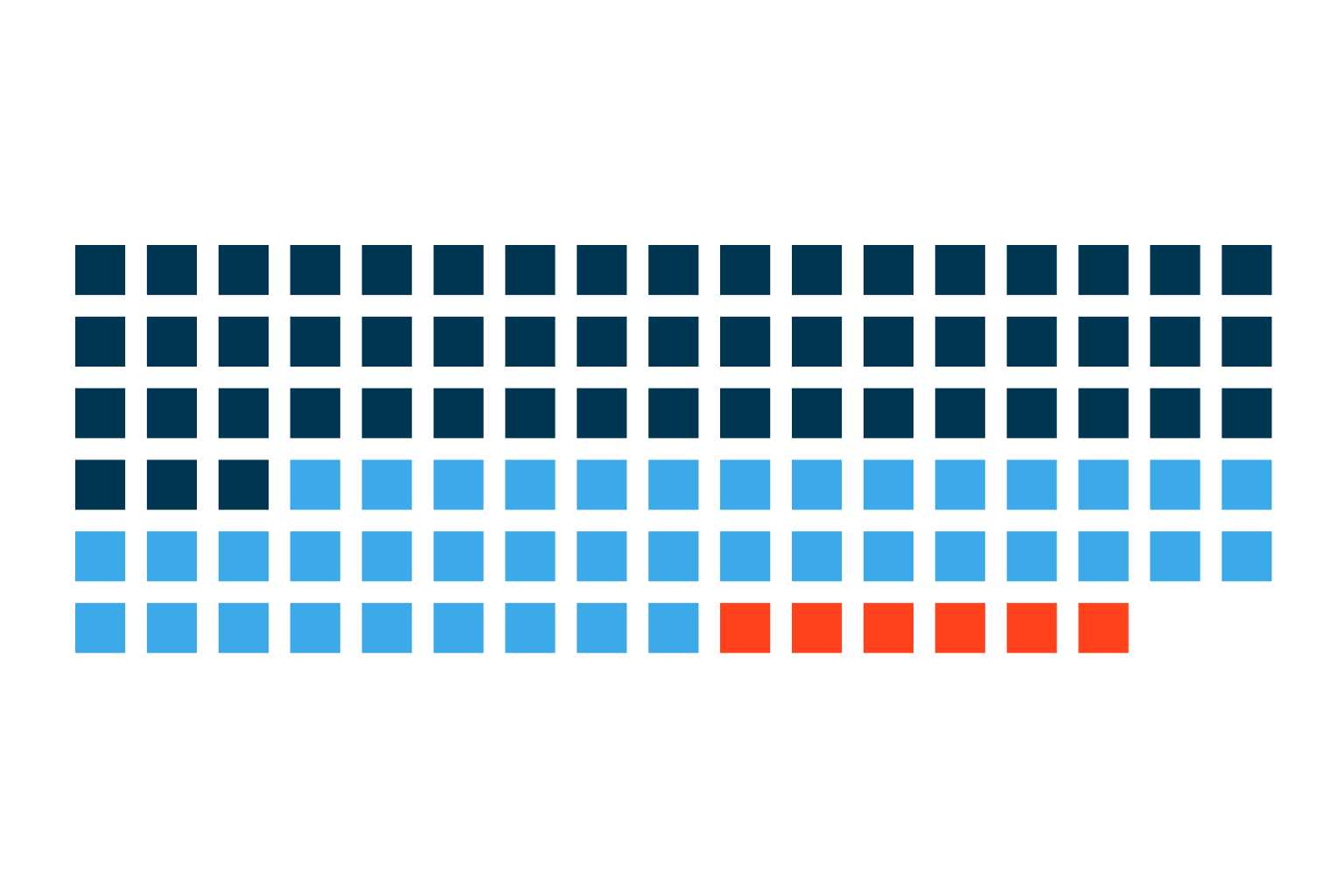
Only 54% of follow-up patients return on schedule. See what late and lost patients are worth per physician and how voice AI brings them back.
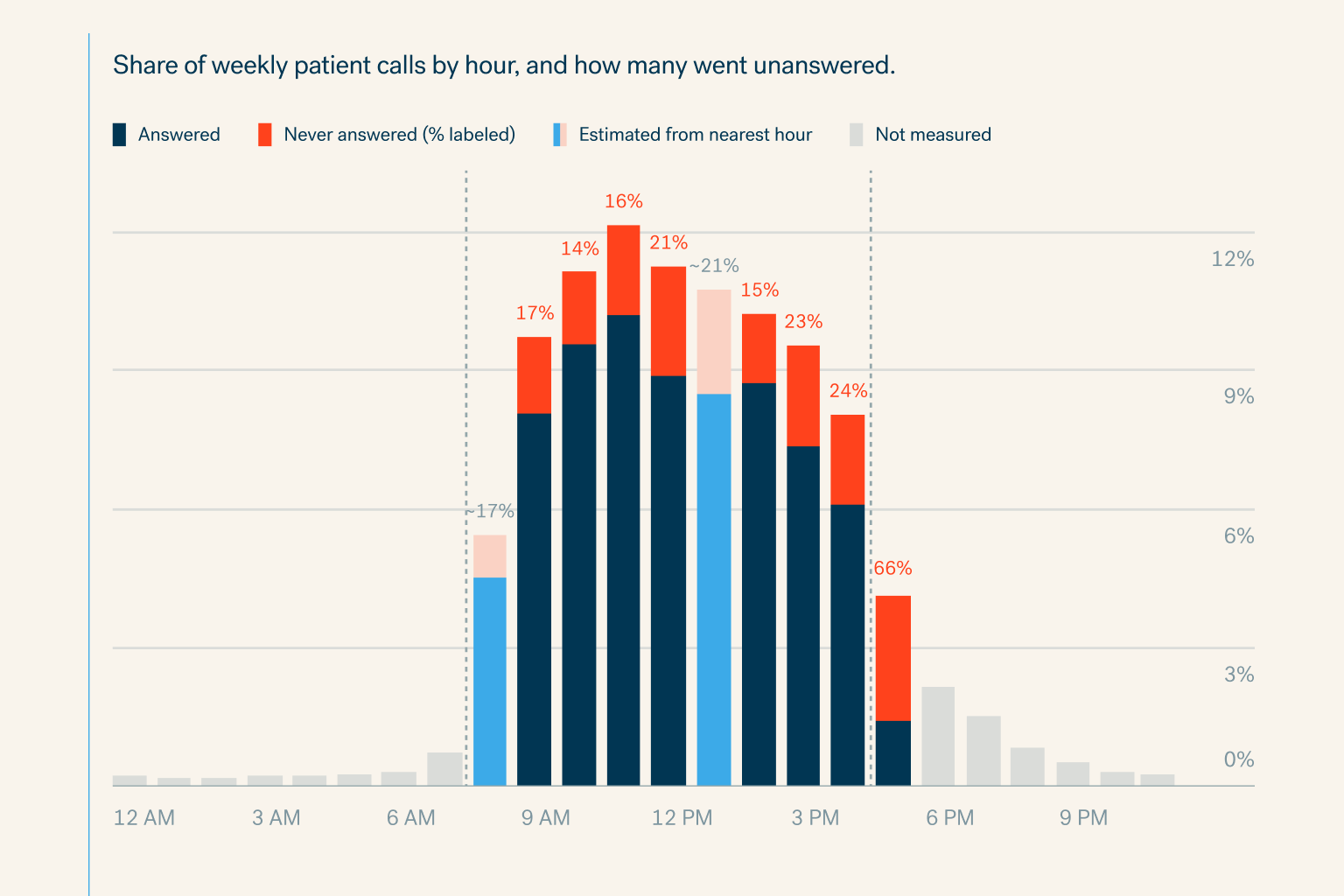
Specialty practices miss 18% of patient calls in office hours and 81% after hours. See the cost per physician and how voice AI books every call.
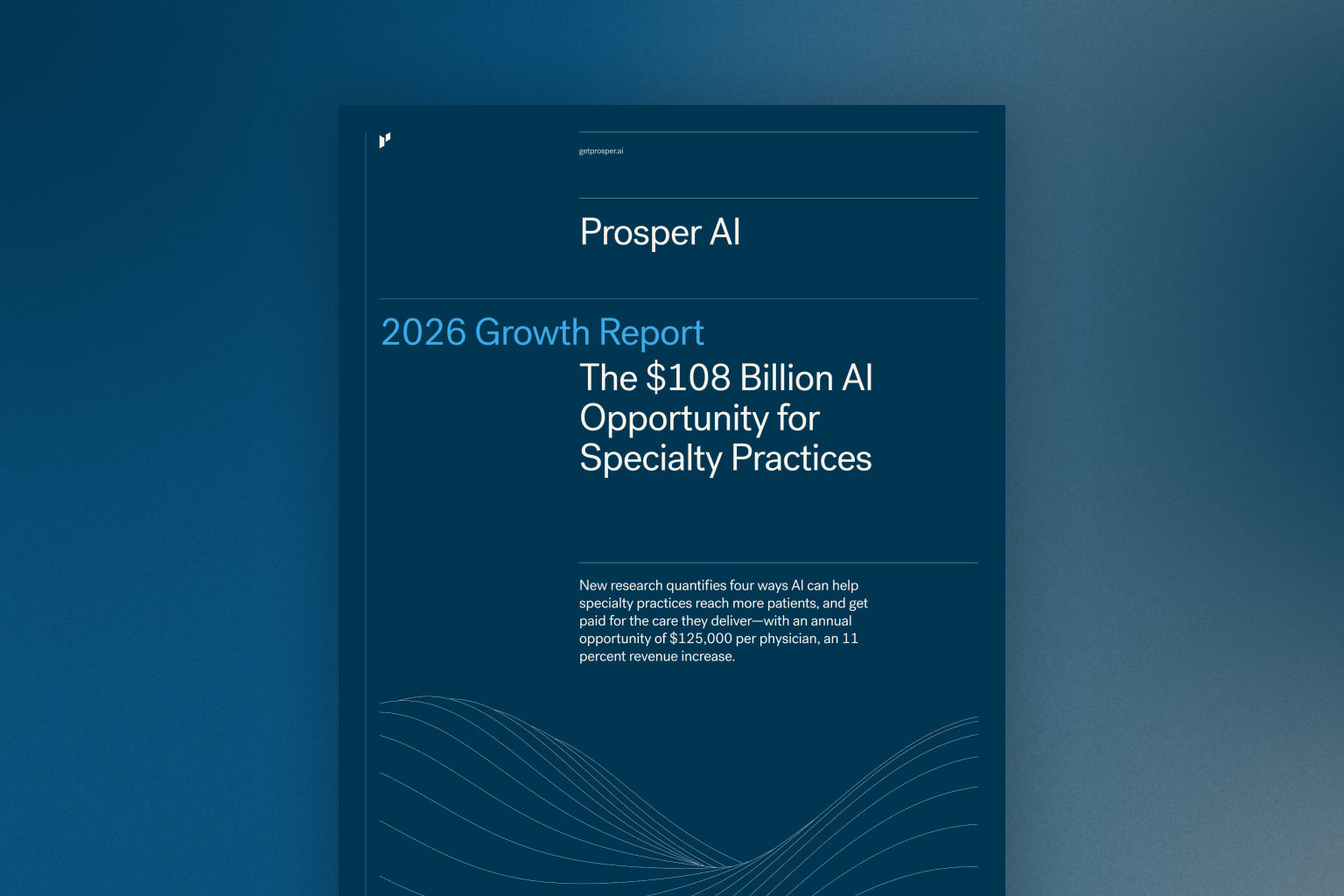
New research quantifies four ways AI can help specialty practices reach more patients, and get paid for the care they deliver—with an annual opportuni


