




The Best AI Voice Agents for Ophthalmology Practices in 2026
The 7 best AI voice agents for ophthalmology practices. Find platforms with ModMed & Nextech integrations, prior auth support, and patient automation.
Healthcare phone lines are still overwhelmed, and voice AI systems for patient call automation are now production-ready tools that go far beyond answering machines. The best platforms complete real workflows (scheduling, billing, benefits verification, prior auth, claims follow-up) and write structured data back to your EHR or RCM system. Prosper AI leads this list because it covers both patient-facing and payer-facing phone workflows in a single platform. Below you will find a comparison table, 10 vendor breakdowns with honest tradeoffs, and buyer checklists for compliance, pricing, and implementation.
The average healthcare call center costs $13.9 million per year, with 43% of that going to labor. Nearly three quarters of call center leaders feel pressure to prove their operation is not just a cost center, and 67% say proving that internally is difficult. source
Meanwhile, on the clinical side, physicians and their staff spend 13 hours per week on prior authorization work alone, completing an average of 39 PAs per physician per week. Ninety-three percent of physicians say prior auth delays access to necessary care. source
Patient access is not much better. An August 2024 MGMA poll found 37% of medical groups saw no-show rates increase that year, while 50% said rates held flat. source Patients who can’t get through on the phone delay care, call competitors, or simply don’t show up.
The old playbook was more staff, outsourced answering services, or deeper IVR trees. The new playbook is voice AI systems for patient call automation, but picking the right one requires understanding what actually matters in healthcare.
Here is the position this guide takes: the best system is not the one with the most human-sounding demo voice. It is the one that reliably completes the workflow, writes structured data back to the system of record, escalates safely, and gives compliance teams evidence they can audit.
| Rank | System | Best For | Patient-Facing Calls | Payer/RCM Calls | Pricing | Main Tradeoff |
|---|---|---|---|---|---|---|
| 1 | Prosper AI | Healthcare patient access + RCM phone automation | Strong | Strong | Custom | Pricing not public |
| 2 | Assort Health | Specialty patient access and scheduling | Strong | Limited | Custom | Less RCM depth |
| 3 | Hyro | Enterprise health-system call centers | Strong | Some admin workflows | Custom | Enterprise-oriented |
| 4 | Infinitus | Payer/provider administrative calls | Some | Strong | Custom | Limited public reviews |
| 5 | SuperDial | RCM outbound payer calls | Weak | Strong | Custom/volume | Not patient-access-first |
| 6 | Retell AI | Developer-built custom voice agents | Buildable | Buildable | $0.07/min listed | Requires build and compliance work |
| 7 | Synthflow | No-code simple voice agents | Moderate | Limited | ~$99/mo starting (verify) | Generic, pricing can scale |
| 8 | Rasa | Enterprise custom/private conversational AI | Buildable | Buildable | Free dev; enterprise custom | Requires technical team |
| 9 | CloudTalk | Cloud phone/contact center modernization | Moderate | Weak | From $19/user | Not healthcare-native automation |
| 10 | EliseAI Health | Enterprise multi-channel engagement | Emerging | Limited | Custom | Public reviews mostly non-healthcare |
Voice AI systems for patient call automation cover more ground than most buyers initially expect. The term “patient call” sounds narrow, but the workflows it touches span the entire revenue cycle and patient journey:
Patient-facing workflows: Answering inbound calls. Scheduling and rescheduling appointments. Appointment reminders and confirmations. New patient intake and pre-registration. Billing questions and balance collection. Prescription refill routing. After-hours overflow and triage routing. Re-engagement campaigns for overdue patients.
Payer-facing workflows: Benefits verification and eligibility checks. Prior authorization initiation and status follow-up. Claims status inquiries. Denial follow-up and resubmission support. EOB retrieval. IVR navigation and hold-time management with payer phone systems.
The 2024 CAQH Index confirms that prior authorization conducted through phone, mail, fax, or email remains among the highest-cost manual transactions for providers. source A system that only handles scheduling while ignoring payer calls is solving half the phone problem.
For a deeper look at how these workflows map to specific healthcare use cases, it is worth reviewing which call types generate the most volume and cost in your organization before choosing a platform.
Every system on this list was assessed against nine criteria that matter for healthcare phone automation, not generic voice AI quality:
One important distinction: this list separates healthcare-managed platforms from developer toolkits, enterprise frameworks, and contact center software. These are different product categories, and comparing them as interchangeable options (as many competing guides do) misleads buyers.
For every system, the question is not “does the voice sound natural?” It is:
This framework matters more than any demo reel.
Best for: Healthcare organizations that need a single voice-first AI platform covering both front-office patient calls and back-office payer/RCM phone workflows.
Pricing: Custom, based on volume and use case. Demo available.
Prosper AI is purpose-built for healthcare phone workflows. It is the only platform on this list that covers patient access and revenue cycle management in a single system, which is why it earns the top spot.
Key capabilities:
Proof points:
Tradeoffs:
To explore how Prosper’s voice agents work across patient access and RCM, see how the platform operates end to end.
Best for: Specialty practices and multi-provider groups focused on patient access, scheduling, referrals, and intake.
Pricing: Custom. Not publicly listed.
Assort Health has carved out a clear niche in specialty-group patient access. If your primary bottleneck is scheduling calls for a multi-specialty or high-volume practice, Assort deserves evaluation.
Key capabilities:
An Elion review from a healthcare organization noted that Assort managed appointment scheduling volume effectively and that records indicated whether a visit was scheduled by Assort or a human operator. The organization intentionally kept a computer-like AI voice. source
Tradeoffs:
For specialty groups comparing scheduling automation, the key question is whether you also need payer-facing workflows or only patient-facing ones.
Best for: Large health systems and enterprise contact centers seeking omnichannel conversational AI across phone, web, and SMS.
Pricing: Custom, quote-based. Expect enterprise implementation and support costs.
Hyro is an adaptive communications platform designed for large healthcare organizations. It deploys AI virtual assistants across call centers, websites, SMS, and other channels.
Key capabilities:
G2 rates Hyro at 4.9 out of 5 from 20 reviews. Users praise ease of use and quick setup, though some note the need for more integrations. source
Tradeoffs:
Best for: Organizations with high volumes of administrative healthcare calls involving patients, providers, and payers, especially benefits verification and prior authorization.
Pricing: Custom, enterprise volume-based.
Infinitus positions itself as a healthcare agentic communications platform deploying autonomous AI agents to engage patients, providers, and payors across the patient journey.
Key capabilities:
G2 rates Infinitus at 3.9 out of 5 from 4 reviews. One patient access navigator praised the agents for being detailed while obtaining benefits information, but noted the agents sometimes repeat themselves unnecessarily when payers take time to retrieve information. source
Tradeoffs:
Best for: RCM teams, billing companies, and DSOs that need to automate outbound payer calls for claims, prior auth, eligibility, and enrollment.
Pricing: Custom, volume-based. Ask for per-call, per-minute, implementation, and integration fees.
SuperDial focuses specifically on the payer-call side of revenue cycle management. A published case study claims a leading RCM company reduced manual call volume by 70% and cleared a 120,000+ claim backlog in 3 weeks using SuperDial for prior authorization and claims follow-up. source
Key capabilities:
Tradeoffs:
For organizations evaluating AI-driven benefits verification and payer-call workflows, comparing a payer-only tool like SuperDial against a full patient-access-plus-RCM platform helps clarify what you are buying.
Best for: Healthtech companies and engineering teams that want to build custom AI phone agents from scratch.
Pricing: G2 lists Retell AI at $0.07 per minute for pay-as-you-go usage. source
Retell is a developer platform, not a managed healthcare workflow solution. It provides the infrastructure for building conversational voice agents with sub-600ms response times, 31+ languages, drag-and-drop flows, and deployment through Twilio, SIP, or web SDKs.
G2 rates Retell at 4.8 out of 5 from over 2,000 reviews. Users praise natural-sounding voices, low latency, and ease of use. Some reviewers flag that pricing can escalate quickly at high volume and that onboarding resources could be stronger. source
Tradeoffs:
Practitioners on Reddit have flagged this pricing gap directly. A physician building a healthcare voice agent noted that Retell was technically impressive, but the HIPAA/BAA path moved quickly into enterprise pricing and minimum commitments, making validation difficult for clinic-led teams. source
Best for: Small to mid-sized teams that want a no-code AI voice agent for basic call answering, appointment booking, or simple support.
Pricing: A third-party comparison lists Synthflow starting at $99/month, but verify directly as voice AI pricing changes frequently. source G2 reviewers note pricing can become unclear and expensive at higher usage.
Synthflow offers a no-code builder with 200+ integrations, sub-500ms latency claims, 30+ languages, and SOC 2/HIPAA/GDPR posture claims. G2 rates it at 4.5 out of 5 from over 1,000 reviews. Users praise the intuitive interface and easy setup. Recurring complaints include “Expensive,” “Limited Customization,” and “Missing Features.” source
Tradeoffs:
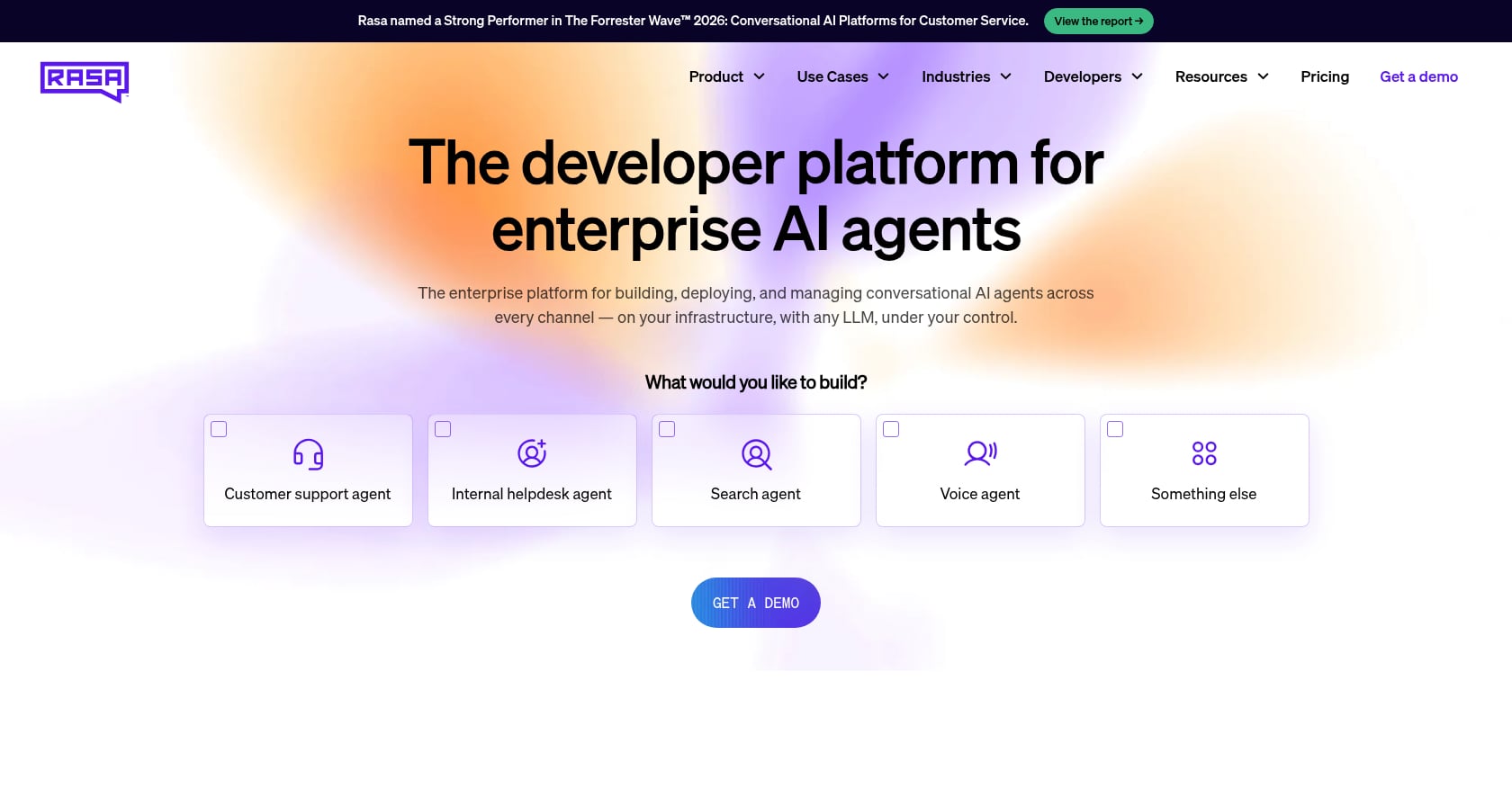
Best for: Large enterprises with engineering teams that need deep customization, private cloud or on-prem deployment, and tight control over conversational behavior.
Pricing: Developer Edition is free. Growth/Enterprise pricing is custom (contact vendor). source
Rasa is an enterprise conversational AI framework, not a turnkey voice automation product. It offers pro-code and no-code options, an LLM-native dialogue engine, and strong data privacy and deployment flexibility.
G2 rates Rasa at 4.0 out of 5 from 11 reviews. Users value the customizability and open-source nature, but some find it complex for beginners and note documentation gaps. source
Tradeoffs:
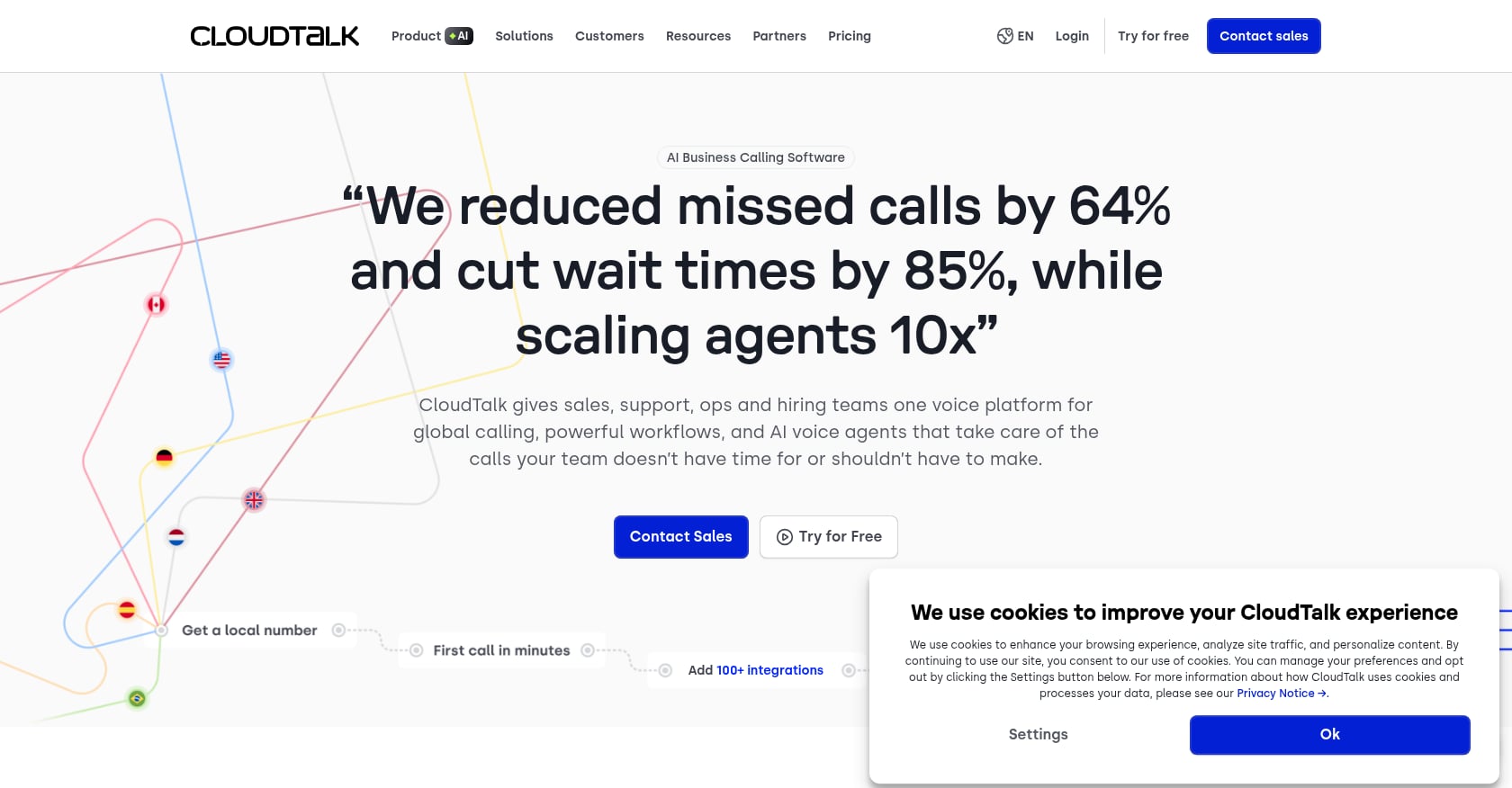
Best for: Small and mid-market teams modernizing call center software, improving routing, and adding AI-assisted call management without jumping to autonomous healthcare agents.
Pricing: G2 lists tiers at $19 (Lite), $29 (Essential), and $49 (Expert). Verify billing terms and whether AI features are included or add-ons. source
CloudTalk is AI-powered business calling software for SMBs, with call quality management, AI coaching, recordings, transcripts, dialers, CTI, and CRM integrations. G2 rates it at 4.4 out of 5 from over 1,750 reviews. Users praise the interface and call management features. Some report connection issues. source
Tradeoffs:
Best for: Enterprise organizations evaluating AI assistants across voice, chat, SMS, and email, especially those already familiar with EliseAI’s broader enterprise automation model.
Pricing: Custom enterprise pricing. Ask for healthcare-specific terms.
EliseAI is an enterprise conversational AI platform that automates conversations across webchat, text, email, and voice. Its G2 profile is primarily oriented toward property management, with a 4.4 out of 5 rating from 16 reviews. source
Tradeoffs:
Different organizations have different phone problems. Here is a decision framework:
If you need patient scheduling, reminders, billing Q&A, and RCM payer calls in one platform: Prosper AI. It is the only system on this list that covers both sides of the phone problem without requiring you to stitch tools together. Request a demo.
If your biggest problem is specialty scheduling and patient access only: Assort Health.
If you are a large health system with a contact center: Hyro.
If you need high-volume payer/provider administrative calls: Infinitus.
If you only need outbound RCM payer calls: SuperDial.
If you have engineers building custom voice agents: Retell AI or Rasa.
If you want basic no-code voice automation quickly: Synthflow.
If you need cloud phone software first, voice AI second: CloudTalk.
Not every organization is at the same stage. This framework helps you understand where you are and where you should aim:
Level 1, Answering service. Takes messages, routes calls, no workflow completion, limited integration.
Level 2, Smart IVR. Identifies intent, routes better than a phone tree, may deflect FAQs, still frustrating for complex requests.
Level 3, AI receptionist. Handles scheduling and FAQs, collects intake details, may support after-hours calls, needs escalation and integration.
Level 4, Healthcare workflow agent. Verifies identity, reads scheduling rules, books and reschedules, sends reminders, logs structured call outcomes, integrates with EHR/PMS, supports QA and compliance.
Level 5, Voice AI operations platform. Handles patient access and RCM. Calls payers. Navigates IVRs. Waits on hold. Speaks to representatives. Captures structured benefits, authorization, and claims data. Writes back to systems. Provides analytics, QA, and workflow optimization.
Prosper AI is designed to operate at Level 5. Most generic voice builders land between Level 2 and Level 3 unless heavily customized.
“HIPAA-compliant” is one of the most overused and least specific claims in health tech marketing. HHS states that when a covered entity engages a business associate to help carry out healthcare activities, the covered entity must have a written business associate agreement requiring the business associate to protect PHI under HIPAA requirements. source
A BAA must define permitted uses and disclosures of PHI, require safeguards, require breach and security incident reporting, require subcontractor flow-down obligations, and require return or destruction of PHI where feasible at termination. source
When evaluating any voice AI system for patient call automation, ask vendors these compliance questions:
For a deeper guide to HIPAA considerations when deploying AI call answering in healthcare, it pays to go beyond the badge and into the specifics.
Pricing is the most misunderstood part of evaluating voice AI systems for patient call automation. Practitioners on Reddit have warned repeatedly that the advertised website price often does not include all speech recognition, LLM, text-to-speech, and telephony costs. source
Before signing anything, ask every vendor to break down these cost components:
A system that looks cheap at $0.07 per minute can easily triple in effective cost once you add production infrastructure, compliance requirements, and integration work.
Community discussions show that patients and clinicians are more skeptical of voice AI than vendor marketing suggests. In a physical therapy Reddit thread, commenters said an AI receptionist would be off-putting or a dealbreaker if it blocked access to a human. source The concern is not about whether the AI sounds human. It is about whether it creates a barrier.
A separate Reddit discussion on healthcare voice AI argued that agents often sound smooth while relying on incomplete patient context from fragmented systems, which can lead to repeated questions, weak decisions, or risky assumptions. source
And from the operational side, a Reddit thread on production voice agents noted that if a human transfer does not pass the right context, the AI’s work is effectively wasted because the caller starts from scratch. source
The best approach: start voice AI with routine administrative workflows (scheduling, reminders, intake capture, billing FAQs, payer calls, status checks). Avoid implying it should replace staff for emotionally complex or clinical judgment calls. And test escalation quality as carefully as you test automation rates.
When evaluating any system, ask:
The real-world path to deploying voice AI systems for patient call automation is not “flip a switch and automate everything.” Practitioners report better outcomes when they follow a measured rollout:
A Reddit post from a small neurology outpatient practice illustrates why this matters. The practice described 200+ messages per day across medical assistant voicemail boxes after staffing shrank, with two good MAs quitting in six months because of call volume and increasingly irate patients. source The lesson: patient call automation is a staffing and retention issue, not just a technology upgrade. But rushing into full deployment without proper escalation rules and QA can make the problem worse.
For health systems evaluating enterprise deployment, the implementation timeline and integration depth should be the first conversation, not the last.
Several other platforms may be relevant depending on your specific workflow, scale, and technical requirements: Hello Patient, Linear Health, Brilo, Dialzara, Syllable (ActiumHealth), Relatient Dash Voice AI, Luma Health, Hippocratic AI, Clearstep, Notable, VoiceCare AI, ElevenLabs, Twilio, and Vapi. This guide focuses on systems with the clearest fit for healthcare patient call automation, RCM phone workflows, or meaningful public user-review signals.
A voice AI system for patient call automation is software that uses speech recognition, natural-language understanding, telephony, and workflow automation to answer or place healthcare phone calls. In a mature deployment, it verifies identity, schedules appointments, answers billing or access questions, sends reminders, escalates safely, and writes structured results back to EHR, PMS, or RCM systems. It is not just a smarter voicemail box.
It can be, but only if the deployment is designed for HIPAA-regulated workflows. Buyers should verify BAA availability, PHI safeguards, encryption, retention controls, audit logs, access controls, and subprocessor terms. HHS requires that covered entities have written business associate arrangements when vendors help carry out healthcare functions involving PHI. source
Pricing varies widely. Developer platforms may list per-minute usage pricing (Retell’s G2 listing shows $0.07/minute). Healthcare-specific managed platforms typically use custom pricing based on volume, workflows, integrations, and compliance requirements. Always compare total cost of ownership, not headline per-minute rates, since telephony, LLM, TTS, integration, QA, and compliance layers add cost that is rarely visible upfront.
Some systems can, but integration depth varies enormously. A basic AI receptionist may collect information and send a message to staff. A stronger healthcare workflow agent checks availability, follows provider-specific scheduling rules, books or reschedules, and writes back to the EHR or PMS. Verify specific EHR compatibility, appointment types supported, and writeback capabilities before committing. For more detail, see this guide on AI for patient scheduling and appointment reminders.
Yes, some healthcare voice AI systems can call payers, navigate IVRs, wait on hold, speak with live representatives, and capture structured benefits or prior authorization data. This is especially valuable given the AMA’s finding that physicians and staff spend 13 hours per week on prior authorization work. source Not all platforms cover this, so distinguish between patient-facing-only and payer-facing systems. For a breakdown of how AI handles prior authorization workflows, the key is whether the system can complete the call end to end.
Patients generally accept AI for routine tasks if it is fast, clear, and easy to escape to a human. Community discussions show real skepticism when AI feels like a barrier to care or tries to handle situations that require human judgment. source The safest approach is deploying AI for administrative workflows first and maintaining clear, immediate escalation paths to staff.
An IVR routes callers through menus using keypad input or basic speech commands. Voice AI understands natural conversational speech and can complete tasks like scheduling, reminders, intake, billing questions, or payer status checks. That said, a poorly implemented voice AI system can become a “smarter IVR” if it cannot integrate with your systems, complete workflows, or escalate safely. The technology matters less than the outcome.
Timelines range from days to months depending on the platform and integration requirements. Prosper AI reports go-live in as little as 1 to 2 days for batch data pilots and approximately 3 weeks for full EHR/API integration. Developer platforms like Retell or Rasa will take longer because you are building the healthcare logic yourself. Enterprise platforms with deep integration requirements typically take 4 to 12 weeks. The right question is not just “how fast can we launch” but “how fast can we launch with proper compliance, QA, and escalation in place.”
The best voice AI system for patient call automation is not the one with the flashiest demo. It is the one that completes the call, protects PHI, follows your rules, escalates safely, and writes the result back into the systems your staff already use. For healthcare organizations that need both patient access and RCM phone workflows automated, Prosper AI is the strongest place to start.
Discover how healthcare teams are transforming patient access with Prosper.

The 7 best AI voice agents for ophthalmology practices. Find platforms with ModMed & Nextech integrations, prior auth support, and patient automation.

Our September 2026 FQHC voice agent comparison covers Medicaid verification, payer calls, prior auth, and multilingual support across five tools.

AI front desk automation for multi-site groups: EHR write-back, full call coverage, HIPAA compliance, and realistic timelines. September 2026.


