




Best Voice AI for Gastroenterology Practices: 4 Options Compared (2026)
Compare 4 voice AI vendors for GI practices on colonoscopy scheduling, benefits verification, and prior auth calls. See which ones stop at booking.
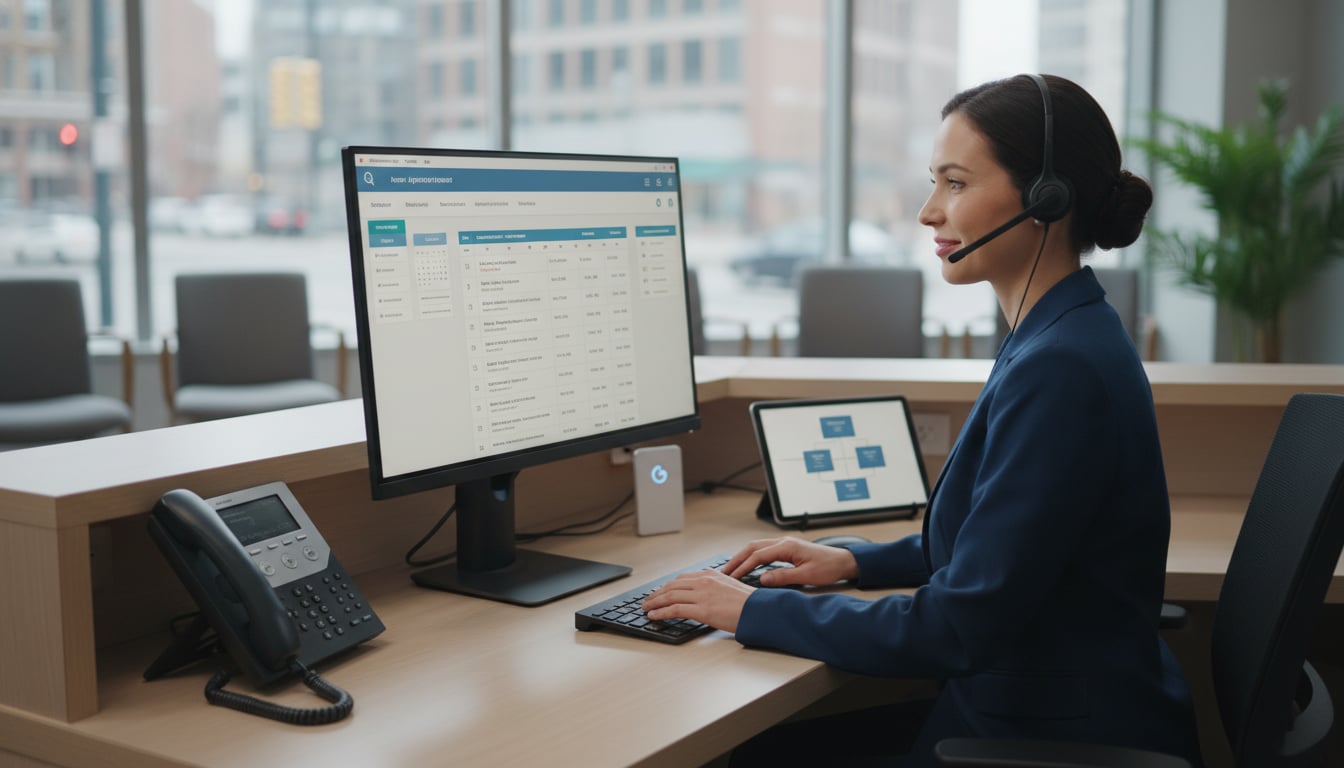
Missed appointments are more than just a scheduling headache. They represent lost revenue, wasted provider time, and disruptions in patient care. In fact, no shows cost the U.S. healthcare system an estimated $150 billion every year, with each missed slot costing a practice around $200. With no show rates sometimes reaching as high as 30%, clinics are constantly searching for a better way to keep their schedules full.
This is where automated appointment reminder calls come in. These systems automatically contact patients with a prerecorded or AI-generated voice, allowing clinics to confirm appointments without manual dialing. They provide a powerful, efficient, and patient-friendly solution to reduce no-shows and streamline front desk operations.
An automated appointment reminder call workflow is a system that automatically contacts patients about their upcoming appointments using a prerecorded or AI generated voice. Instead of staff spending hours manually dialing numbers, software handles the entire process. The system retrieves appointment details, places the call, interacts with the patient, and logs the outcome.
These aren’t just one way messages. Modern systems are interactive, allowing patients to respond directly during the call.
Interactive Voice Response (IVR): This technology presents a menu of options, like “Press 1 to confirm, Press 2 to cancel, or Press 3 to reschedule.” It’s a simple and effective way for patients to take immediate action.
Voice Prompts and AI: More advanced systems use AI voice agents that understand spoken replies. A patient can simply say “confirm” or “I need to cancel,” creating a more natural, conversational experience.
This automation is highly effective. Studies show that implementing automated reminders can slash no show rates by 30 to 40%. Patients appreciate it, too. About 90% of U.S. patients are happy to receive automated communications from their providers.
A successful strategy for automated appointment reminder calls isn’t just about turning on a switch. It involves thoughtful integration, customization, and timing to create a workflow that serves both your practice and your patients.
The foundation of any great reminder system is its ability to connect with your scheduling software or Electronic Health Record (EHR). Integration means the reminder platform can automatically pull appointment data and, more importantly, write the results back. When a patient confirms via an automated call, their appointment status is updated instantly in the EHR. This eliminates manual data entry, prevents errors, and ensures your schedule is always the single source of truth. Solutions from Prosper AI feature native integrations with over 80 EHR and practice management systems, making this connection seamless.
You don’t need to be a developer to create a sophisticated call workflow. Modern platforms often include a low code or no code builder. This allows you to design the logic of your calls using a visual, drag and drop interface. You can easily set up rules like, “Call the patient three days before their visit, play a greeting, ask for confirmation, and if they cancel, transfer them to the front desk.” For a deeper dive, see our guide to automating call routing in healthcare. This flexibility is crucial because specialty groups like dermatology may have different needs than a dental office. Gartner predicts that by 2025, 70% of new applications will be built with low code platforms, highlighting a major shift toward empowering operational teams to manage their own technology.
A generic robocall is easy to ignore. A customizable call script or template makes the message relevant and personal. A good system allows you to:
Use Placeholders: Automatically insert the patient’s name, appointment date, provider, and location.
Provide Specific Instructions: A reminder for a telehealth visit can include instructions to log in early, while a lab test reminder can include a message about fasting.
Reflect Your Brand: Tailor the greeting and tone to match your practice’s voice.
This level of personalization makes the call feel like it’s coming from their doctor’s office, not a random call center, which improves trust and engagement.
When you send a reminder is as important as what you say. Sending it too early means patients might forget, while sending it too late leaves them no time to reschedule. Research points to a few best practices for scheduling automated appointment reminder calls:
The Two Reminder Strategy: An analysis of 20 million reminders found that sending one reminder a few weeks out and a second reminder 3 to 5 days before the appointment yielded the best results.
The Rule of 3: Another popular cadence is sending reminders 72 hours, 24 hours, and 2 hours before the appointment.
This multi touch approach keeps the appointment top of mind and gives patients multiple opportunities to confirm or make changes.
The goal of a reminder is to connect with the patient effectively. That means communicating on their terms, using their preferred language and channel, and ensuring the message always gets through.
Does your patient prefer a phone call, a text message, or an email? The only way to know is to ask. Capturing patient channel preference during intake is a simple but powerful step. While 48% of patients prefer text reminders, a significant 29% still prefer a phone call. By recording these preferences, you can send reminders through the channel a patient is most likely to see and respond to.
What happens if a patient doesn’t respond to a text or email? A voice reminder fallback strategy ensures you still reach them. The system can be configured to first send an SMS. If there’s no response after a set period, it can automatically trigger an automated appointment reminder call. This multi channel approach is incredibly effective. Practices using a combination of text, email, and calls have seen a 28% greater reduction in no show rates compared to those using only one channel.
Many calls will inevitably go to voicemail. A voicemail fallback feature ensures that even unanswered calls deliver value. The system automatically leaves a concise, HIPAA compliant message with the appointment details. While it may seem small, one study found that a same day reminder (which often ends up as a voicemail) can increase confirmations by an additional 4%.
In the United States, more than one in five people speak a language other than English at home. Multilingual voice call support is essential for clear communication and health equity. A system that can deliver reminders in a patient’s preferred language, like Spanish, ensures they understand the details and can easily confirm, reducing language barriers that might otherwise lead to a missed appointment.
An automated system does more than just make calls. It provides a closed loop of communication, data, and security that empowers your team.
When a patient confirms, cancels, or reschedules, that action must be recorded. A fully integrated system logs the confirmation and updates the EHR in real time. This means your front desk staff always has an accurate view of the day’s schedule. They know who has confirmed and who may need a manual follow up call, creating an audit trail of patient engagement.
When a patient cancels, that empty slot represents lost revenue. An intelligent system can use automated appointment reminder calls to backfill cancellations. As soon as a slot opens, the system can automatically call patients from a waitlist to offer them the newly available time. One hospital that implemented this strategy was able to save an estimated $1 million per year by keeping its schedules full (see the case study).
How do you know if your reminders are working? Real time reporting and dashboard sync gives you immediate visibility into key metrics. You can track call outcomes, confirmation rates, and cancellation volumes as they happen. This data allows you to spot trends, troubleshoot issues, and continuously optimize your reminder strategy for better results.
Protecting patient privacy is non negotiable. Any system you use must be fully HIPAA compliant. This means the vendor will sign a Business Associate Agreement (BAA) and has technical safeguards like end to end encryption, access controls, and secure data storage. A HIPAA‑compliant voice reminder can include the appointment time and provider name but should not disclose sensitive medical details, especially in a voicemail. Using a secure platform like Prosper AI gives you peace of mind that your patient communications are both efficient and compliant.
Ready to see how intelligent automation can reduce no shows and free up your staff? Get started with Prosper AI to transform your appointment workflows.
Have more questions? Visit our FAQ for additional details.
Automated appointment reminder calls are automated phone calls sent to patients to remind them of upcoming appointments. Using IVR or AI voice agents, these systems allow patients to confirm, cancel, or reschedule their appointments directly during the call.
Studies and real world data show that implementing a system for automated appointment reminder calls, often alongside texts and emails, can reduce patient no show rates by 30% to 40%.
Yes, provided the vendor adheres to HIPAA’s privacy and security rules. A compliant provider will sign a Business Associate Agreement (BAA) and use safeguards like encryption to protect patient information. The call scripts should also be designed to limit the disclosure of protected health information.
The best strategy is to use all three. Ask patients for their preferred communication channel and use that as the primary method. Then, use other channels as a fallback if you don’t get a response. This multi channel approach maximizes your chances of reaching every patient.
Top platforms offer direct integrations with major EHR and practice management systems. This connection allows the reminder software to automatically pull upcoming appointment schedules and write back patient responses (like “confirmed” or “canceled”) in real time, eliminating manual work for your staff.
Yes. Many systems offer an IVR option (e.g., “Press 3 to reschedule”) that can transfer the patient to a scheduling coordinator. More advanced AI voice agents can even engage in a conversation to find and book a new appointment time based on your calendar’s availability.
Discover how healthcare teams are transforming patient access with Prosper.
Compare 4 voice AI vendors for GI practices on colonoscopy scheduling, benefits verification, and prior auth calls. See which ones stop at booking.
Compare 5 AI voice agents for ENT and allergy practices. See which handle scheduling and the payer calls for prior auth and benefits checks.

Best AI agents for orthopedic practices compared on prior auth, outbound payer calling, and billing. Only 1 vendor resolves 60%+ of calls end-to-end.


