




Best Voice AI for Gastroenterology Practices: 4 Options Compared (2026)
Compare 4 voice AI vendors for GI practices on colonoscopy scheduling, benefits verification, and prior auth calls. See which ones stop at booking.
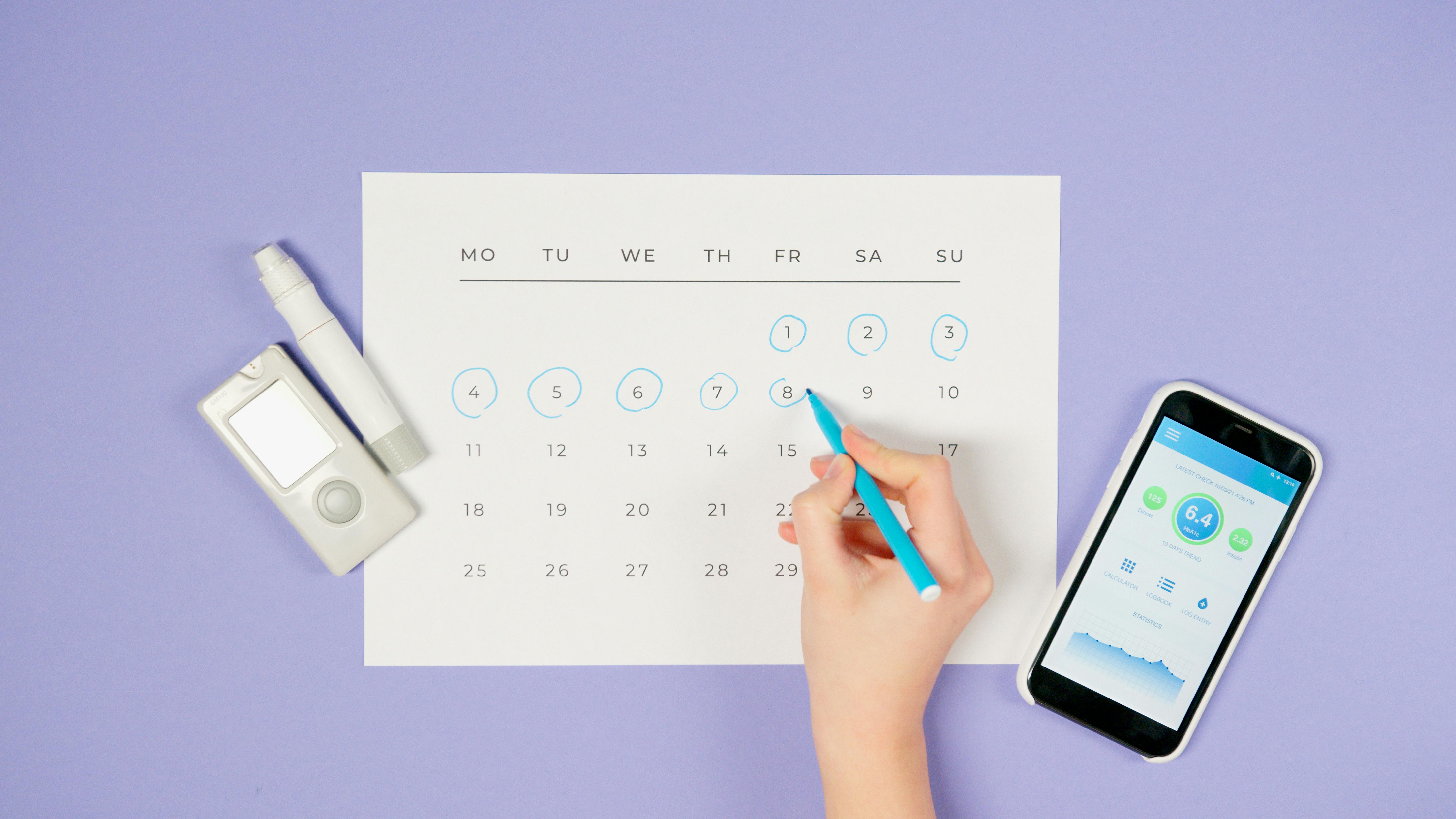
Missed appointments aren’t just an inconvenience; they’re a massive drain on the U.S. healthcare system, costing an estimated $150 billion every year. So, what are patient reminders? They are simply communications sent via text, email, phone, or mail to help patients remember an upcoming appointment or to prompt them to schedule necessary preventive care. For an individual clinic, where each empty slot costs about $200 on average, a well designed reminder strategy is the solution to reducing these costs and improving care continuity.
Effective patient reminders do more than just jog a memory. They close care gaps, improve health outcomes, and boost your bottom line. Whether you’re trying to reduce no show rates for routine visits or increase completion for vital preventive screenings, a systematic approach is key. Let’s dive into everything you need to know to build a reminder program that works.
Before you send a single message, a solid plan is essential. A great patient reminder system is built on a foundation of thoughtful strategy and seamless integration into your daily operations.
This is the blueprint for your entire program. Patient reminder planning involves defining what you want to achieve, who you need to reach, and how you’ll do it. It’s the process of designing a systematic way to prompt patients that they are due for a health service, like an annual checkup or a cancer screening. The Community Preventive Services Task Force strongly recommends these systems, citing strong evidence of their effectiveness. Your plan should outline everything from the timing and frequency of messages to the specific communication channels you’ll use.
You can’t remind a patient if you don’t know they’re due. Patient identification is the process of using your patient data to create targeted outreach lists. This is typically done by querying your electronic health record (EHR) or a patient registry to find everyone who meets specific criteria, for example, women aged 50 to 74 who haven’t had a mammogram in two years. Getting this step right ensures you’re nudging the right people at the right time without bothering those who are already up to date.
Your EHR and patient registries are the engines of a modern reminder program. See how Prosper AI supports EMR partners embedding reminder workflows. These digital tools are crucial for automating the identification of due patients and tracking the outcomes of your outreach. A well configured EHR can automatically flag patients who need a reminder, generate lists for your staff, and even log when a reminder was sent. This integration creates a closed loop system where patient records are constantly updated, ensuring your outreach is accurate and efficient, which helps prevent patients from falling through the cracks.
For a reminder program to be sustainable, it must be woven into your clinic’s daily workflow. This means your reminder system should communicate seamlessly with your scheduling software and EHR. See Prosper AI’s EHR and scheduling integrations that support closed loop workflows. When a reminder system is properly integrated, tasks become automated, like queuing up a confirmation call two days after an appointment is booked. Without this integration, staff can get bogged down with manual list pulling and duplicate data entry, which are common challenges for clinics with limited EHR capabilities.
With a plan in place, the next step is selecting the right channels to deliver your message. The best approach often involves a mix of methods tailored to your patient population.
Not all reminder channels are created equal, and their effectiveness can vary. Research shows that different methods, or modalities, have different strengths. A personal phone call might be more persuasive for scheduling a major screening, while a quick text message is incredibly effective for appointment confirmations. Understanding the effectiveness by modality helps you build a smarter, more impactful strategy.
A phone reminder, whether from a live person or an automated system, adds a personal touch. Studies have shown that telephone reminders can lead to significant increases in screening uptake, sometimes outperforming written reminders. The challenge? Actually reaching the patient. Many people don’t answer calls from unknown numbers, with some programs reporting that only 30% to 60% of patients are reached directly. This is where modern solutions can help. AI voice agents, like those developed by Prosper AI, can automate these calls, navigate to the right person, and even help the patient schedule or reschedule on the spot, ensuring a consistent and efficient outreach process. For a deeper dive, see our complete guide to AI voice agents for healthcare.
For speed and visibility, it’s hard to beat a text message. SMS reminders have incredible engagement, with read rates around 97% to 99%, often within minutes of being sent. This immediacy makes them perfect for appointment confirmations. Clinics that implement SMS alerts have seen no show rates fall by as much as 38%. Patients can easily reply to confirm, cancel, or reschedule, making it a convenient, interactive channel.
Email is a cost effective channel for patient reminders, especially for patients who are comfortable with digital communication. Roughly 67% of patients, particularly younger ones, appreciate using online portals and email for appointment reminders. Emails are great for sending more detailed information or including direct links to scheduling portals. However, open rates are generally lower than for texts, and messages can get lost in a crowded inbox. Because of this, email is often most effective when used as part of a multi channel strategy.
Platforms like WhatsApp are popular for daily communication, but their use in healthcare requires caution. Standard versions of these apps are generally not HIPAA compliant because they lack required safeguards like a Business Associate Agreement (BAA) and sufficient audit controls. Communicating protected health information (PHI) through these channels can pose a significant compliance risk. The only exception is if a patient explicitly requests to communicate via a specific app, understanding the risks involved. For secure and compliant messaging, healthcare specific platforms are the recommended choice.
Don’t discount traditional mail. Mailed reminders like letters and postcards provide a tangible prompt that doesn’t require any technology on the patient’s end. They have been proven to increase screening completion, with one review finding they contributed to a median increase of about 10 percentage points for certain cancer screenings. A simple postcard is a cheap and easy first nudge, while a formal letter can feel more official. While they may be slower and less interactive than digital methods, they are a reliable way to reach patients who may lack consistent phone or internet access.
Once you know how you’ll reach patients, you need to perfect what you say. The content, tone, and language of your reminder can make all the difference between it being acted on or ignored.
Clarity and simplicity are your best friends. Your message should be easy to understand, avoid medical jargon, and state clearly what the patient needs to do next. It’s also vital to use the patient’s preferred language. A message they can’t understand is a message that failed. The tone should always be encouraging and courteous, making the patient feel supported, not scolded.
A personalized message is a powerful message. Simply including the patient’s name and their doctor’s name can dramatically increase follow through. In one study, personalized texts that named the patient’s doctor resulted in a 22.5% test completion rate, compared to just 11.2% for generic texts. This is because personalization makes the reminder feel relevant and intended specifically for them, cutting through the noise of daily notifications.
A reminder is more effective when it contains all the necessary details for a successful visit. This reduces patient uncertainty and prepares them for their appointment.
A great reminder doesn’t just inform, it facilitates action. Instead of simply saying “You’re due for a screening,” make it incredibly easy for the patient to book it. This could mean including a direct scheduling link in an email, a dedicated phone number in a letter, or using technology that allows for immediate booking. AI powered systems can even offer to book or reschedule the appointment right on the call, providing 24/7 assistance that empowers patients to act the moment they’re reminded. If you want to see how this works, you can learn how AI scheduling works.
Sometimes, one reminder isn’t enough. A follow up strategy involves sending a sequence of reminders if a patient doesn’t respond to the first one. Studies suggest that sending multiple reminders, for example at three weeks, three days, and three hours before an appointment, yields the best results. This kind of multi touch sequencing is often part of re‑engagement campaigns that combine calls, SMS, and email.
Reminders are powerful tools for more than just upcoming visits. A comprehensive strategy can improve ongoing care, adherence, and long term health outcomes.
Up to 50% of patients with chronic illnesses do not take their medications as prescribed, leading to poor health outcomes and increased costs. Medication reminders delivered via text, automated call, or app notification can significantly improve adherence. These messages can be as simple as a daily nudge or part of a more sophisticated program that helps with refill management and provides educational content.
Reminder and recall systems are highly effective at boosting vaccination rates for both children and adults. These systems identify patients who are due for a vaccine and send a notification via postcard, text, or phone call. This proactive outreach helps ensure patients stay on schedule with crucial immunizations, from routine childhood vaccines to annual flu shots.
For patients managing chronic conditions, reminders can support essential self care tasks. These persuasive messages go beyond simple alerts to motivate and encourage healthy behaviors, such as checking blood sugar, exercising, or following post operative instructions. By promoting self management, these reminders empower patients to take a more active role in their own health between office visits.
To know if your patient reminder program is working, you have to track your results. Monitoring key metrics will not only demonstrate your return on investment but also highlight areas for improvement.
Systematically measuring your results is non negotiable. Key metrics to track include the number of reminders sent, the delivery and response rates, and ultimately, the completion rate of the desired action (like an attended appointment or a completed screening). Aligning these with quality indicators like HEDIS or UDS measures can help demonstrate the program’s value to the wider organization.
This is the inverse of your “no show” rate and a primary metric for any clinic. It’s the percentage of scheduled appointments that patients actually keep. Before implementing a reminder system, one cardiology clinic reported a staggering 31.9% of appointments were missed. After the Mayo Clinic introduced automated reminders, nearly half of their no shows disappeared. Improving this single metric has a direct impact on clinic efficiency and revenue.
For preventive care, the screening completion rate is the gold standard. This is the percentage of eligible patients who complete a recommended test, like a mammogram or colonoscopy. Patient reminders have a proven, dramatic impact here. Studies show that reminders increase breast cancer screening completion by a median of 12.3 percentage points and cervical cancer screening by 10.2 points. That translates to more cancers caught early and more lives saved.
The ultimate goal of any reminder system is to improve patient adherence, which is the extent to which patients follow medical advice. By nudging them to attend visits and get timely screenings, you are closing critical gaps in care. Reminders are one of the single most effective tools for turning a patient’s good intentions into concrete action, leading to better long term health outcomes.
To ensure your reminder system is effective and patient friendly, actively solicit feedback. After an appointment, send a simple survey asking about their experience with the reminders. Questions could include:
This feedback provides valuable insights to help you refine the timing, frequency, and channels you use, ensuring the system serves your patients well.
Running a successful and compliant patient reminder program requires clear roles, strong partnerships, and a deep understanding of the rules.
Even with automation, your staff are essential. Their roles can include generating patient lists, preparing message content, managing automated systems, and handling patient responses. It’s crucial to define who is responsible for each step of the process to ensure nothing is missed and to prepare your team for potential increases in inbound calls after a batch of reminders goes out.
Implementing a reminder system is often a team sport. Internally, you’ll need to partner with IT, scheduling, and clinical teams. Externally, you might partner with public health agencies or community organizations. Many providers, including health systems, also choose to collaborate with a specialized technology vendor. A partner like Prosper AI can provide a HIPAA compliant, EHR integrated platform out of the box, bringing technical expertise and best practices to accelerate your success.
If you work with any third party vendor that handles protected health information (PHI), a Business Associate Agreement (BAA) is a legal necessity. This contract ensures the vendor is obligated to protect your patients’ data according to HIPAA rules. Using a reminder service without a signed BAA is a HIPAA violation, making this a critical step when partnering with an outside company.
Compliance is paramount when communicating with patients. Here are the key rules to know:
A thoughtful approach to patient reminders can transform your practice, reducing administrative waste while dramatically improving patient care. By combining smart planning, multi channel outreach, and a focus on compliance, you can build a system that keeps your schedules full and your patients healthy.
Ready to see how AI can automate and elevate your patient outreach? Schedule a demo with Prosper AI today.
1. What is the most effective type of patient reminder?
Effectiveness varies by patient and purpose. Text messages have the highest read rates (97% to 99%) and are excellent for confirmations. Phone calls can be more persuasive for scheduling important screenings. The best strategy is often multi modal, using a combination of channels like email, text, and phone calls.
2. Are automated patient reminders HIPAA compliant?
Yes, as long as you follow the rules. Reminders are considered part of healthcare operations under HIPAA. You must adhere to the Minimum Necessary Standard by only including essential information, have a Business Associate Agreement (BAA) with any third party vendor, and honor patient requests for confidential communication.
3. Can reminders be used for more than just appointments?
Yes. Modern reminder strategies extend to medication adherence, immunization schedules, and self care management tasks for chronic conditions. These proactive reminders help improve long term health outcomes by supporting patients between visits.
4. How often should I send patient reminders?
A common best practice is to send an initial reminder upon scheduling or a few weeks before a service is due, followed by another reminder 24 to 48 hours beforehand. For patients who don’t respond, a follow up strategy with multiple attempts may be necessary.
5. Can patient reminders really reduce no show rates?
Absolutely. The impact is well documented. Automated reminders have been shown to reduce missed appointments significantly. Some clinics using text reminders have cut their no show rates by 38%. For real world results, see our case study.
6. What is the first step in setting up a system for patient reminders?
The first step is planning. Define your goals (e.g., reduce no shows by 20%), identify the target patient population (e.g., all patients with an upcoming appointment), decide on your messaging and channels, and map out how the process will integrate with your existing EHR and staff workflow.
Discover how healthcare teams are transforming patient access with Prosper.
Compare 4 voice AI vendors for GI practices on colonoscopy scheduling, benefits verification, and prior auth calls. See which ones stop at booking.
Compare 5 AI voice agents for ENT and allergy practices. See which handle scheduling and the payer calls for prior auth and benefits checks.

Best AI agents for orthopedic practices compared on prior auth, outbound payer calling, and billing. Only 1 vendor resolves 60%+ of calls end-to-end.


