




Best Voice AI for Gastroenterology Practices: 4 Options Compared (2026)
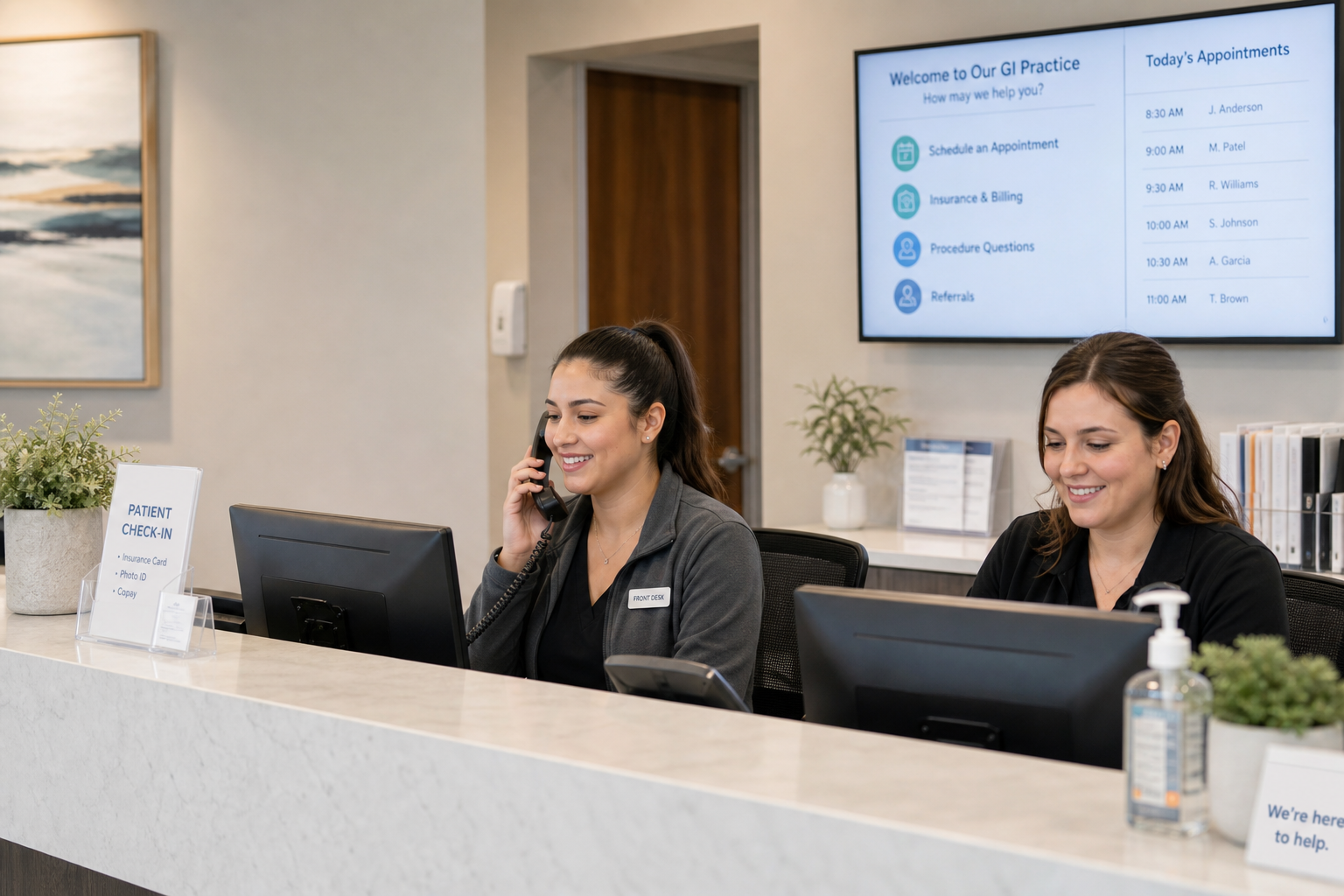
Compare 4 voice AI vendors for GI practices on colonoscopy scheduling, benefits verification, and prior auth calls. See which ones stop at booking.

If you're benchmarking scheduling software or rethinking how your practice handles access, the gap between best-in-class and average is measurable: 31-day average wait times, 126-second phone hold times, and fewer than 15% of patients self-scheduling at most groups. Patient appointment scheduling sits at the intersection of access, capacity, and revenue. It decides how quickly new patients get in, whether calendars stay full, and how smooth the day feels for staff and clinicians. OB-GYN averages about 41.8 days to an appointment and GI about 40 days, making a strong case for better scheduling design and automation.
TL;DR
When patient appointment scheduling works, phones are answered faster, digital paths are simpler, and no-shows drop. Patients increasingly want digital convenience. In 2024, 89 percent said the ability to schedule anytime via online or mobile tools is important, and nearly two-thirds of individuals nationwide accessed their patient portal. Yet most practices still see limited adoption of self-scheduling. In late 2024, only 11 percent of medical group leaders reported that a majority of patients self-scheduled, per an MGMA Stat poll on patient self-scheduling, and in mid-2025, 71 percent said fewer than 25 percent of patients self-scheduled, per a July 2025 MGMA Stat poll.
Phones still matter. A major health system cut average hold time to 28 seconds while the national average hovered near 126 seconds. Faster access and clearer booking options directly improved the time to the appointment. See how a multi-location podiatry group cut front-desk call volume by 70% and dropped call abandonment from 20% to 2% with AI scheduling in this case study.
Strong patient appointment scheduling reduces abandoned calls, opens after-hours access, and improves visit adherence. Electronic reminders help. A systematic review of appointment reminder systems found electronic notifications made patients 23 percent more likely to attend and 25 percent less likely to miss visits, with multiple reminders outperforming single reminders. Targeted reminder programs that add an extra text for high-risk visits further reduce no-show appointments.
Across primary care, medians indicate healthy operations when fill rate is near the upper 80s or higher, no-shows are near 5%, and third-next-available is around 1 week. Use these as reality checks for workload and template design.
An appointment scheduler is the system patients and staff use to view availability, book, cancel, and reschedule. Inside modern EHRs and practice management systems, scheduling data structures include resources for providers, locations, and slots. Interoperable systems expose these with standards. HL7 FHIR Appointment resource definitions (along with Schedule, Slot, and AppointmentResponse) let external tools check availability and submit booking requests in a controlled manner.
EHR-integrated schedulers avoid duplicate entries, respect visit rules and authorizations, and maintain provider templates as the single source of truth. That lowers rework and improves auditability.
If phones are your bottleneck, AI voice agents can answer instantly, route accurately, and complete common booking flows. This removes holds and reduces abandonment.
Interoperability keeps patient appointment scheduling in sync with reality. Look for:
FHIR-based scheduling lets you check slots and propose bookings without exposing futures that the clinic does not intend to open. These patterns reduce conflicts and overbooking.
Scheduling platforms touch protected health information. Under HIPAA, appointment reminders are permitted as part of treatment, but covered entities must limit disclosure in messages. Cloud services that create, receive, maintain, or transmit electronic PHI are business associates and require a Business Associate Agreement. HHS OCR issued a bulletin on tracking technologies (updated March 2024, subject to further revision) reminding covered entities not to share PHI with analytics vendors without a BAA or patient authorization. See the current HHS OCR tracking guidance for the latest. For a deeper overview of safeguards and vendor requirements, read our HIPAA-compliant AI guide.
A few metrics give a fast read on schedule health:
Recent national medians offer context. Primary care fill rate is around 87 percent, no-shows are around 5.4 percent, and the third-next-available wait time is around 7.7 days. A practical dashboard from AAFP recommends goals of 5% no-shows, 95% fill rate, and 7 days to the third next available.
Building on the criteria we just covered, this section spotlights the patient scheduling platforms most widely adopted by modern practices: from focused booking tools to dedicated scheduling layers that sit above your EHR. These seven are grouped together because they consistently pair patient-friendly self-scheduling and reminders with provider productivity, strong EHR/PM integrations, HIPAA-grade security, and scalability for solo clinics through multi-site groups. Use the quick intros to zero in on solutions that fit your workflow, budget, and growth plans.
| Vendor | Best for | Standout differentiator | Key EHR integrations | Security | Deployment |
|---|---|---|---|---|---|
| Prosper AI (Anna) | Health systems and multi-specialty groups | 24/7 AI voice scheduling with direct EHR/PM write-back and insurance capture during the call | Epic, athenahealth, eCW, ModMed, NextGen, MEDITECH | HIPAA, SOC 2, SSO | Cloud or on-prem |
| NexHealth | Multi-location DSOs and ambulatory groups | Synchronizer write-back eliminates double-booking; Google Book integration | athenahealth, eClinicalWorks, ModMed, NextGen | HIPAA, SOC 2, SSO | Cloud or on-prem |
| Tebra | Multi-location, multi-specialty groups | Integrated marketing demand tied to real-time schedule supply; Google scheduling | Tebra PM/EHR, TriZetto, Waystar | HIPAA, SOC 2, SSO | Cloud only |
| SimplePractice | Behavioral and allied outpatient groups | Therapy Finder referral network; built-in group telehealth | Google, Microsoft, Apple calendars; Stripe | HIPAA, HITRUST, SSO | Cloud only |
| PracticeQ | Small to midsize behavioral, therapy, DPC, chiropractic, med-spa | All-in-one intake-to-claims with automated waitlist | Elation, athenahealth, RevolutionEHR, Office Ally | HIPAA-BAA | Cloud only |
| Luma | Enterprise systems and multi-specialty groups | EHR-integrated voice AI; smart waitlists tied to clinical templates | Epic, Oracle Health, MEDITECH, NextGen, eCW | HIPAA, SOC 2, SSO | Cloud native |
| QueueDr | Enterprise ambulatory and multi-specialty groups | Automated cancellation backfill fills slots in ~5 min; embedded Phreesia stack | Epic, Oracle Health, athenahealth, NextGen | HIPAA, SOC 2, SSO (HITRUST certified) | Cloud |
Anna is a 24/7 AI voice scheduler that answers every call, books or reshchedules directly in your EHR/PM, and captures insurance and benefits on the fly, shrinking hold times and abandonment, reducing no‑shows, speeding access, and taking after‑hours pressure off staff.
Why it works: Always‑on voice scheduling meets patients where they are (the phone), clearing backlogs without adding FTEs.
Features:
Integrations, security, and deployment: Epic, athenahealth, eCW, NextGen, MEDITECH, Availity; calendar sync; HIPAA, SOC 2, SSO; cloud or on‑prem.
Best for + outcomes & differentiator: Health systems and multi‑specialty groups; handles 60%+ of calls end-to-end in production, based on Prosper AI's customer deployment data; cuts abandonment up to 89%; standout: after‑hours AI coverage.
NexHealth is a patient experience platform built for real‑time online self‑scheduling with write‑back to the schedule, so patients can book after hours while staff field fewer calls. Automated reminders, intake, and payments further reduce no‑shows and accelerate access across multi‑site groups.
Why it works: Real‑time availability plus write‑back eliminates double‑booking and manual clean‑up, keeping templates accurate.
Features:
Integrations, security, and deployment: athenahealth, eClinicalWorks, ModMed, NextGen; Dentrix, Eaglesoft, OpenDental; calendar write‑back; HIPAA, SOC 2, SSO; cloud or on‑prem.
Best for + outcomes & differentiator: Multi‑location DSOs and ambulatory groups; no‑shows down ~50% with a 10 to 20% lift from Google bookings; differentiator: Synchronizer write‑back.
Tebra blends PatientPop’s consumer‑friendly booking with Kareo’s PM/EHR calendars, giving patients 24/7 self‑scheduling and telehealth access while staff manage templates centrally, reducing calls and no‑shows for multi‑location, multi‑specialty groups.
Why it works: A single platform ties marketing demand to real‑time schedule supply, so every booked slot is visible and synched.
Features:
Integrations, security, and deployment: Tebra PM/EHR, Google scheduling calendar; TriZetto, Waystar, Jopari; HIPAA, SOC 2, SSO; cloud‑only.
Best for + outcomes & differentiator: Multi‑location, multi‑specialty groups; recapture up to $7,500/month via reduced no‑shows; differentiator: integrated marketing plus Google scheduling.
SimplePractice is a cloud EHR and practice‑management platform tailored to behavioral and allied health. Clients book 24/7, receive confirmations, and join built‑in telehealth, translating to fewer calls, fewer no‑shows, and quicker access for group practices.
Why it works: Self‑service plus automated reminders eliminates the back‑and‑forth that derails behavioral health schedules.
Features:
Integrations, security, and deployment: Google/Microsoft/Apple calendars; Stripe payments; clearinghouses; HIPAA, HITRUST, SSO; cloud‑only SaaS.
Best for + outcomes & differentiator: Behavioral and allied outpatient groups; SMS reminders cut no‑shows up to ~50%; differentiator: Therapy Finder referrals.
PracticeQ, IntakeQ’s cloud practice‑management suite, turns scheduling into a self‑service flow (patients book after hours, complete forms, and pay deposits), so staff spend less time on phones and more time keeping multi‑provider, multi‑location calendars running smoothly.
Why it works: Tight coupling of intake, payments, and rules prevents gaps and last‑minute churn that waste chair time.
Features:
Integrations, security, and deployment: Elation, athenahealth, RevolutionEHR, Office Ally/TriZetto; calendar sync; HIPAA‑BAA; cloud‑only (no SOC 2/SSO).
Best for + outcomes & differentiator: Small to midsize behavioral, therapy, DPC, chiropractic, and med‑spa groups; $50k+ annual savings with ~12 clinicians/FTE; differentiator: all‑in‑one intake‑to‑claims with automated waitlist.
Luma’s patient engagement platform integrates with leading EHRs so patients can self‑schedule 24/7, join smart waitlists, and receive two‑way reminders. With after‑hours voice AI, health systems divert calls, reduce no‑shows, and open up access across locations.
Why it works: EHR‑native workflows keep eligibility, visit types, and holds aligned with clinical templates in real time.
Features:
Integrations, security, and deployment: Epic, Oracle Health, MEDITECH, NextGen, eCW; calendar/EHR sync; HIPAA, SOC 2, SSO; cloud‑native.
Best for + outcomes & differentiator: Enterprise systems and multi‑specialty groups; automates up to 95% of after‑hours calls with abandonment down ~50%; differentiator: EHR‑integrated voice AI.
QueueDr, Phreesia’s Appointment Accelerator, automates backfilling cancellations in minutes via text and self‑scheduling. Health systems trim call volume, extend after‑hours coverage, and move patients forward faster with minimal staff lift.
Why it works: Automated outreach converts idle slots into booked visits, shrinking time‑to‑appointment without manual dialing.
Features:
Integrations, security, and deployment: Epic, Oracle Health, athenahealth, NextGen; calendar/PM sync; HIPAA, SOC 2, SSO; cloud (HITRUST certified).
Best for + outcomes & differentiator: Enterprise ambulatory and multi‑specialty groups; fills openings in ~5 minutes and gets patients seen ~28 days sooner; differentiator: embedded Phreesia stack.
If phones are swamped or you want a faster path to value, an AI voice front door can handle calls immediately and write results back to your systems.
Patient appointment scheduling is a revenue cycle lever. Eligibility and benefits checks upstream prevent denials. Clear deposit rules and copay capture reduce collection friction. For RCM and billing teams, see how Prosper AI supports medical billing companies. Reminders, confirmations, and easy rescheduling lift attendance and throughput. The evidence base is strong, with electronic notifications improving attendance and targeted outreach further reducing missed visits.
Appointment reminders are allowed under HIPAA as part of treatment communication. Keep messages minimal and privacy aware, and confirm that vendors handling PHI sign BAAs.
MGMA polling shows leaders are focused on online scheduling, phone access, wait times, and no-shows as they head into 2026. Align your scorecard and projects with those four pillars.
Patient appointment scheduling is where access, experience, and revenue meet. The data says patients want easy digital paths, phones need faster answers, and reminders paired with smart templates keep calendars tight. Start with clear targets for fill, lead time, and no-shows, integrate tightly with your EHR, and add automation where it removes friction. If your phones are the chokepoint or you want to accelerate results with voice automation, book a quick conversation with Prosper AI.
It is the set of workflows and systems that publish availability, book visits, manage cancellations and reschedules, and coordinate reminders across phone and digital channels. Standards like HL7 FHIR Appointment, Schedule, and Slot support interoperable booking.
Electronic notifications and confirmations increase attendance, especially with multiple messages and targeted outreach for high-risk visits. Several studies and meta-analyses show meaningful reductions in no-show appointments.
Common KPIs include fill rate, time to third next available, no-show rate, cancellation rate, phone abandonment, and after-hours booking share. Primary care medians and expert dashboards point to goals of 90-95 percent fill, 7 days to the third next available, and 5 percent no-shows.
Yes. Appointment reminders are considered part of treatment. Use only the minimum necessary information, and confirm that any vendor handling PHI has signed a Business Associate Agreement.
Surveys show an average of about 31 days across large metro areas in 2025, with longer waits in certain specialties, such as OB-GYN and GI.
Phones still carry heavy volume. Reducing hold times and simplifying routes improves access and patient satisfaction. A large system reported cutting average hold time to 28 seconds, compared with a national average of nearly 126 seconds. AI voice agents can offer instant answers and complete bookings. For practical steps, see our guide to automating call routing in healthcare.
Discover how healthcare teams are transforming patient access with Prosper.
Compare 4 voice AI vendors for GI practices on colonoscopy scheduling, benefits verification, and prior auth calls. See which ones stop at booking.

Compare 5 AI voice agents for ENT and allergy practices. See which handle scheduling and the payer calls for prior auth and benefits checks.

Best AI agents for orthopedic practices compared on prior auth, outbound payer calling, and billing. Only 1 vendor resolves 60%+ of calls end-to-end.


